 Yin Yang Launcher
How to Block Apps on Android (and Pick How Strict)
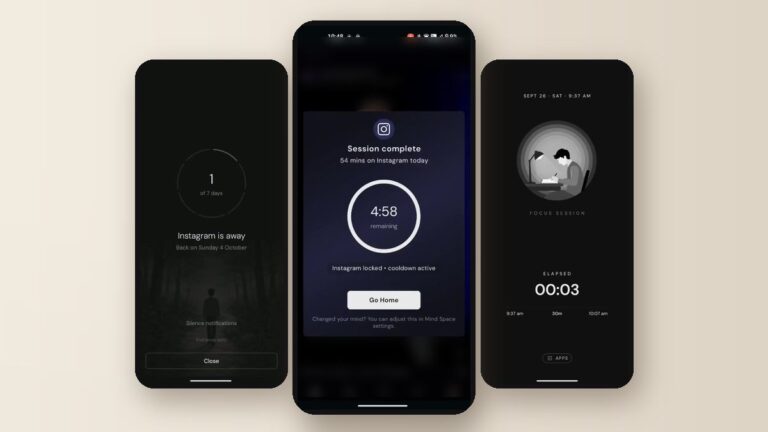
Block an app with Android's built-in app timer, then choose how strict to be: a pause before it opens, a daily budget, or a few days away.

Block an app with Android's built-in app timer, then choose how strict to be: a pause before it opens, a daily budget, or a few days away.
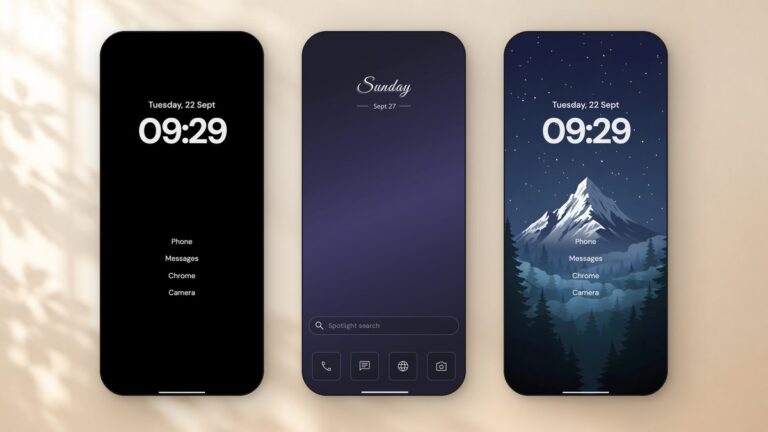
Want a phone that's nicer to look at and easier to put down? Here's how to set up a minimalist Android home screen, step by step, with three setups to copy.
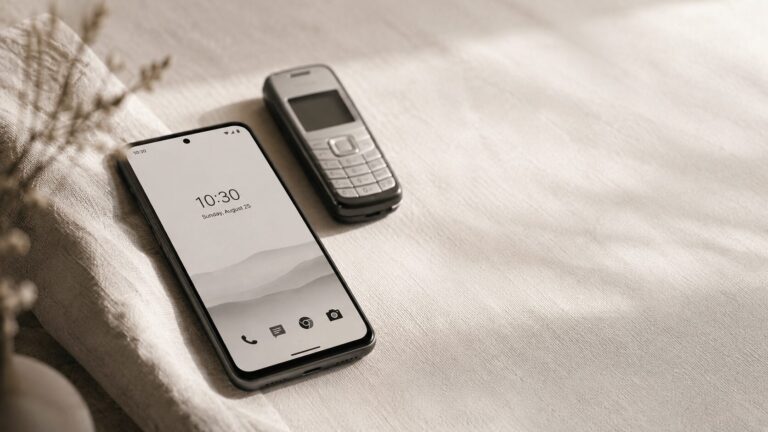
You pull your phone out and your thumb is already on the screen before the thought catches up. Here's how to dumb down your Android in ten minutes: no new phone, no uninstalls.
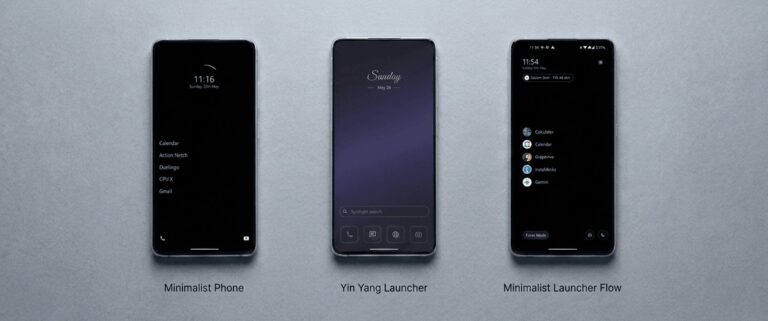
How minimalist phone's trial and plans work, and how it compares with Yin Yang Launcher and Minimalist Launcher Flow on Android, so you can pick the one that fits.
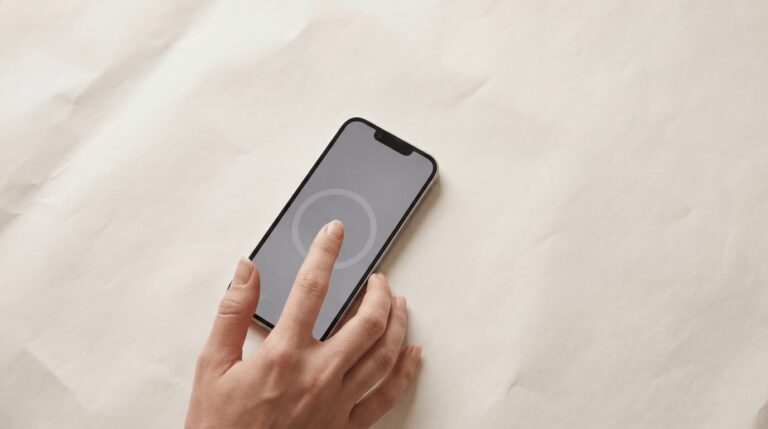
You tap Instagram "just for a minute" and forty minutes later you can't remember what you were doing. Five tactics that catch the reflex before the scroll begins — without hard blockers or cold turkey.

Want to spend less time on your phone without giving it up? Keep the apps that do a job, quiet the rest, and put a pause and a limit on the few that take your evenings.

Five minimalist Android launchers compared for 2026: our pick for customization, everyday widgets and digital wellness in one launcher, and the best choice for the simplest home screen, one-handed use, quieter notifications and scheduled blocking.
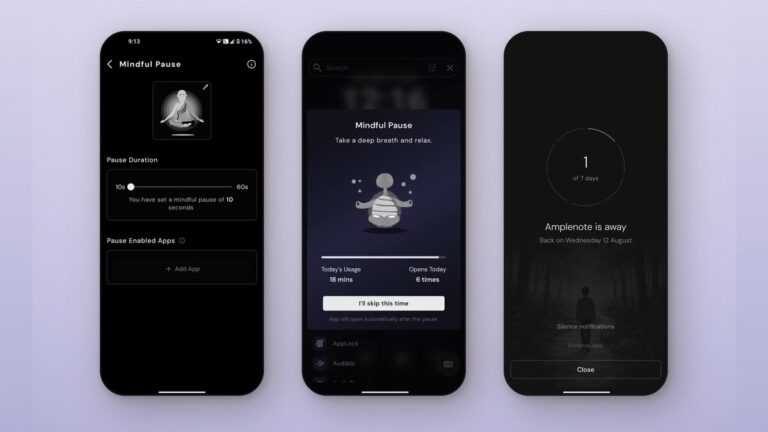
Two ways to pause an app on Android: block it for a while with Focus mode or Mindful Break, or add a short breathing pause before it opens with Mindful Pause.

This minimalist Android launcher helps you stay productive and manage screen time effectively. Reduce distractions and embrace a balanced, mindful approach with Yin Yang Launcher.