

Yin Yang Minimalist Launcher
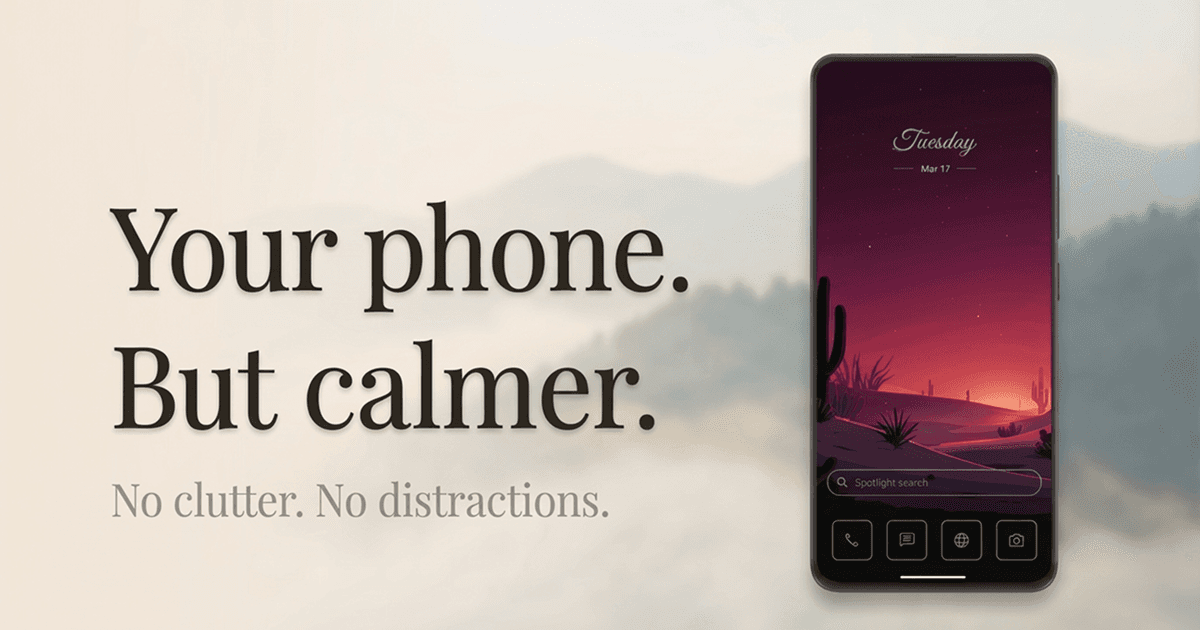
A minimalist launcher that helps you use your phone less.
“Yin Yang is a minimalist Android launcher that helps you use your phone less. It replaces the home screen with a clean, simple one, adds a short pause before the apps you choose, and keeps your day one swipe away.”
Facts
Boilerplate
Pre-written description blurbs in three lengths. Click copy and paste anywhere.
Yin Yang is a minimalist Android launcher that helps you use your phone less: a clean home screen, screen time tools built in, and your day one swipe away.
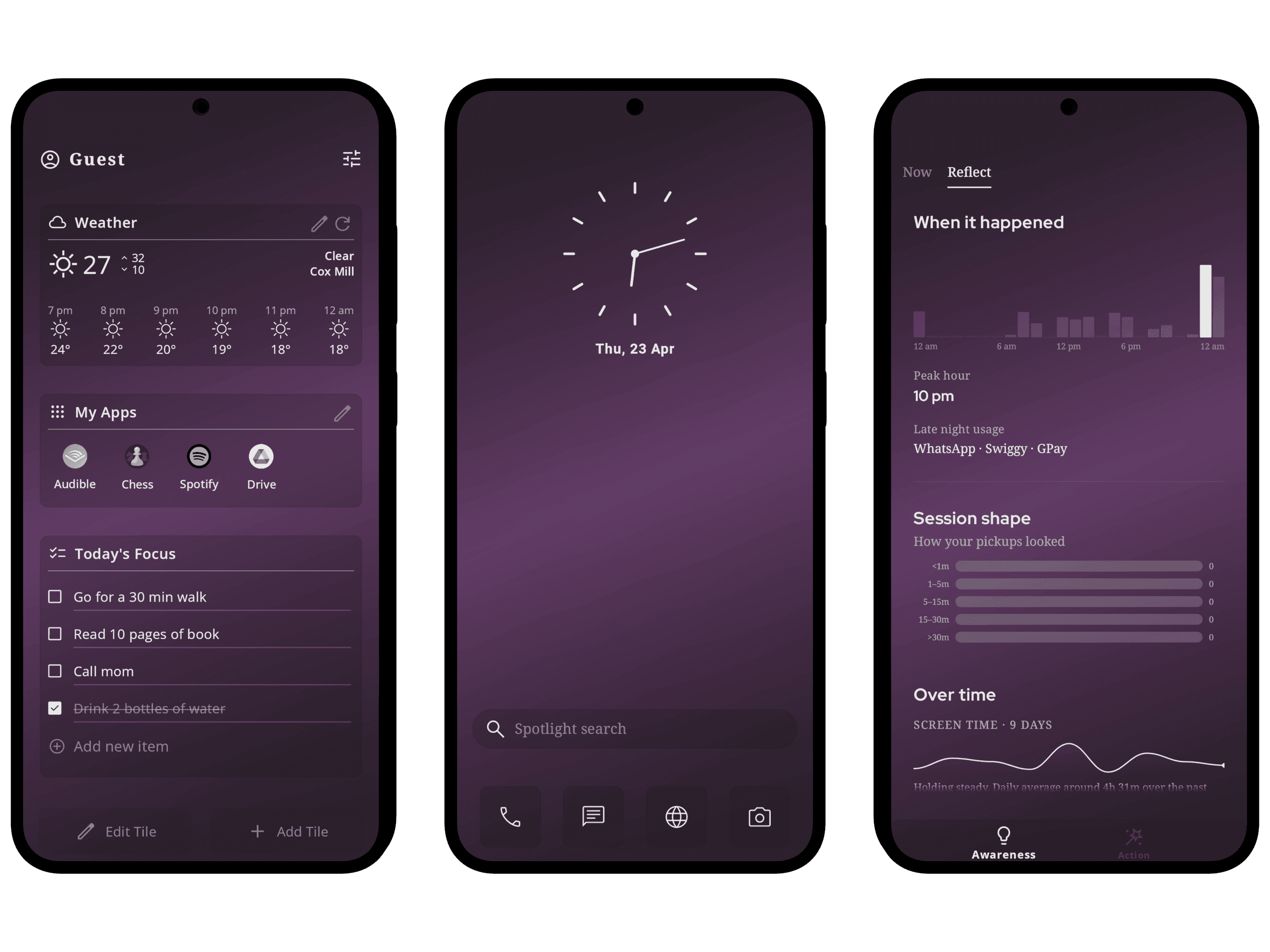
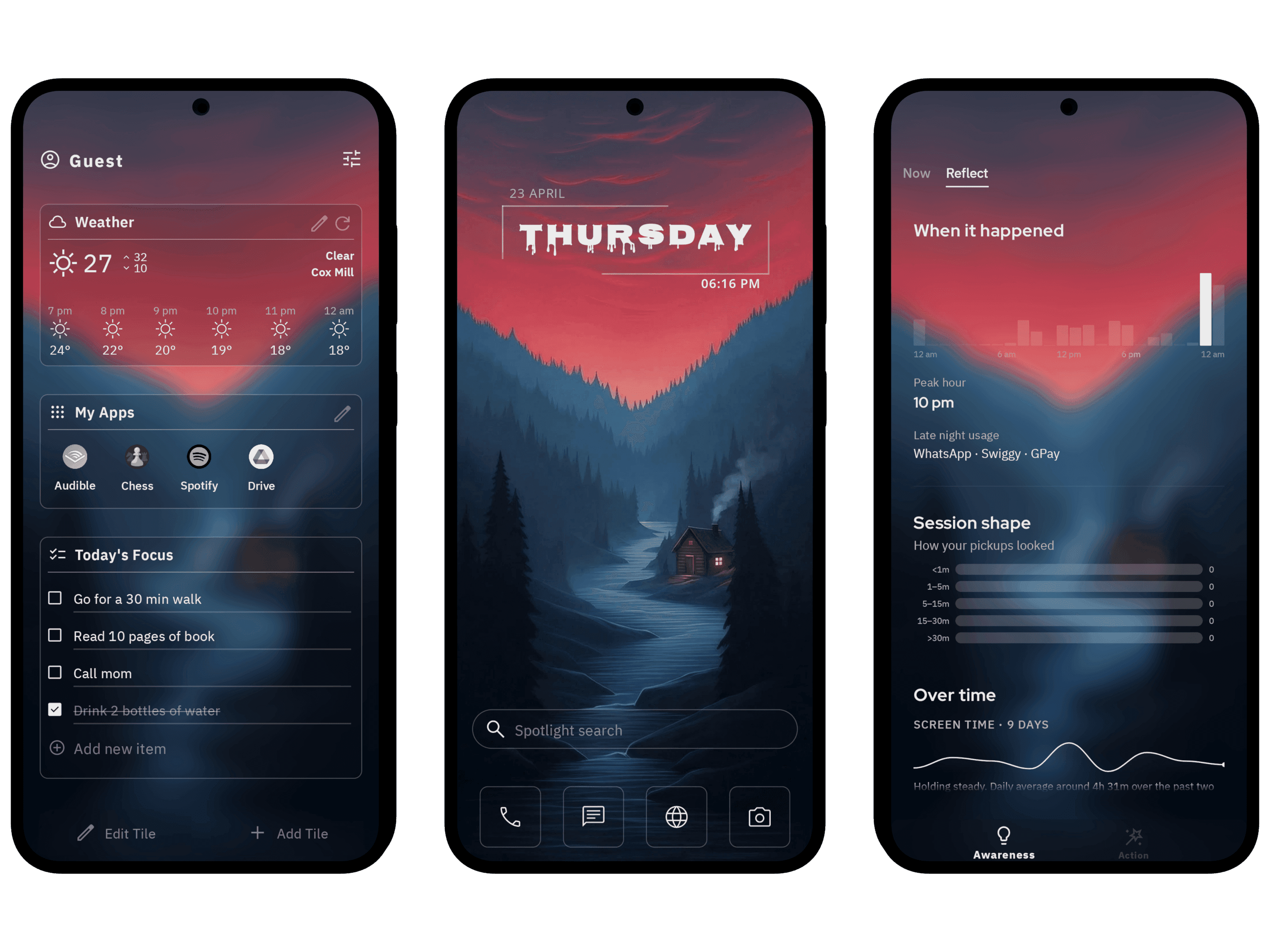
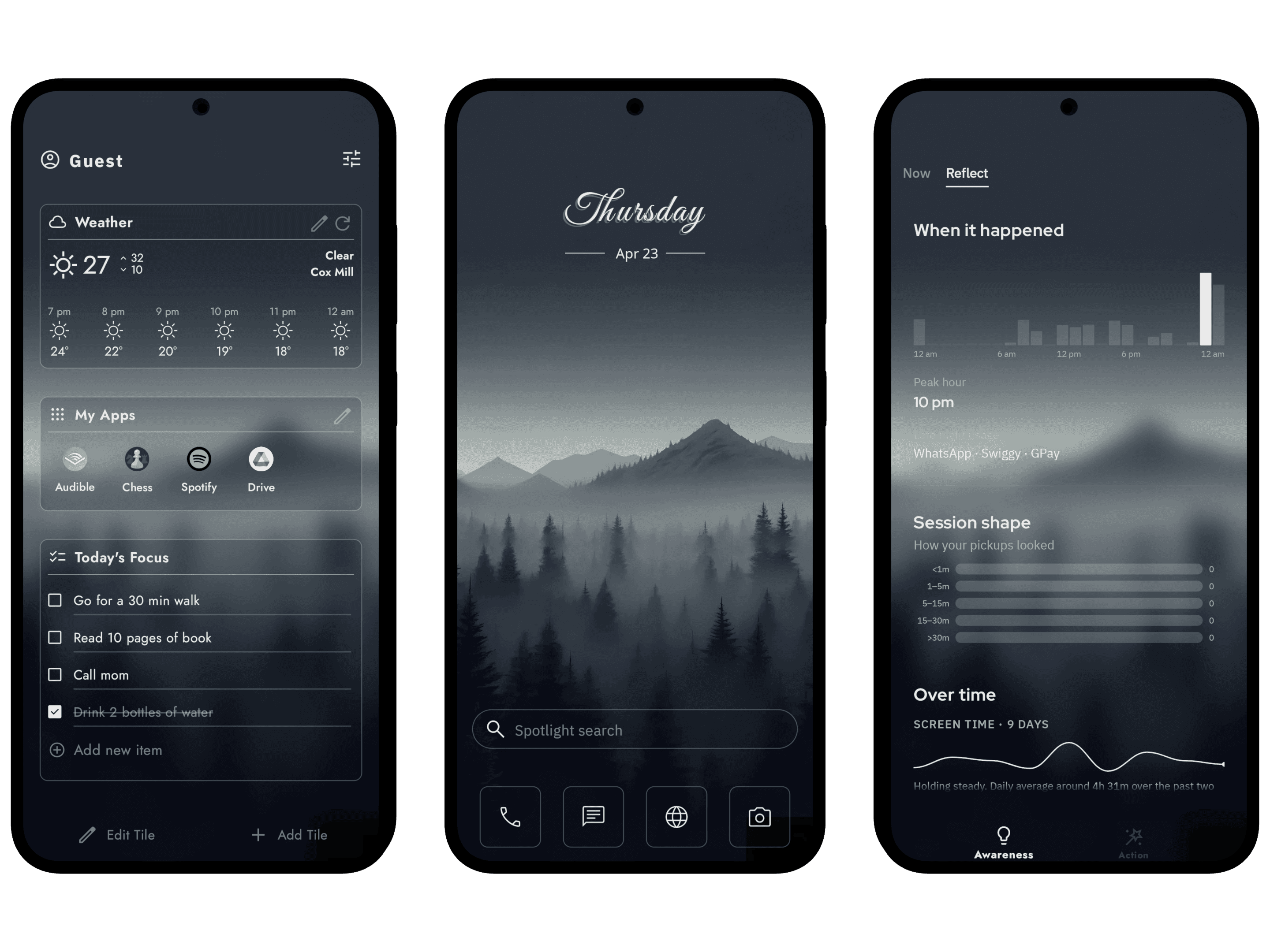
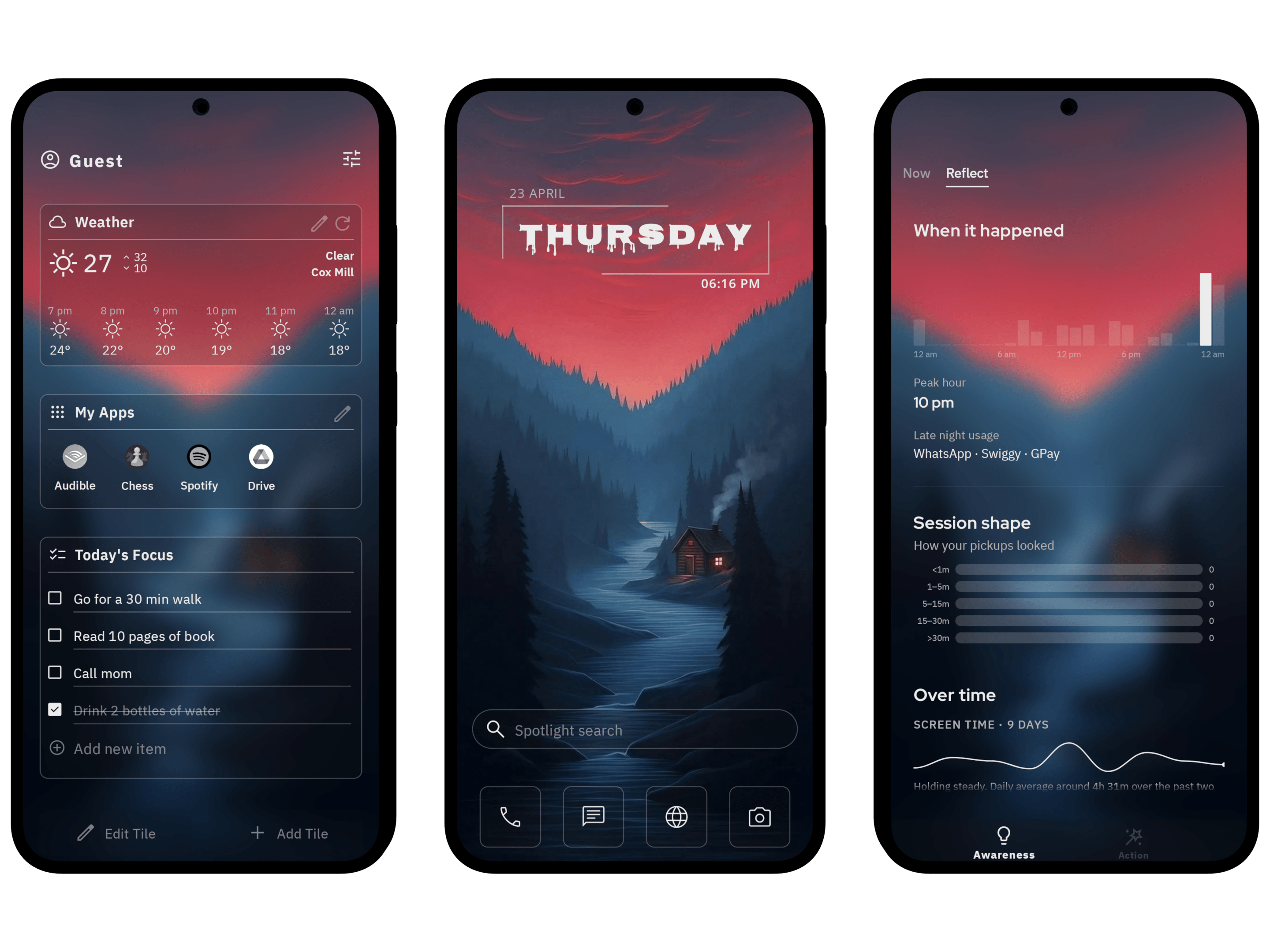
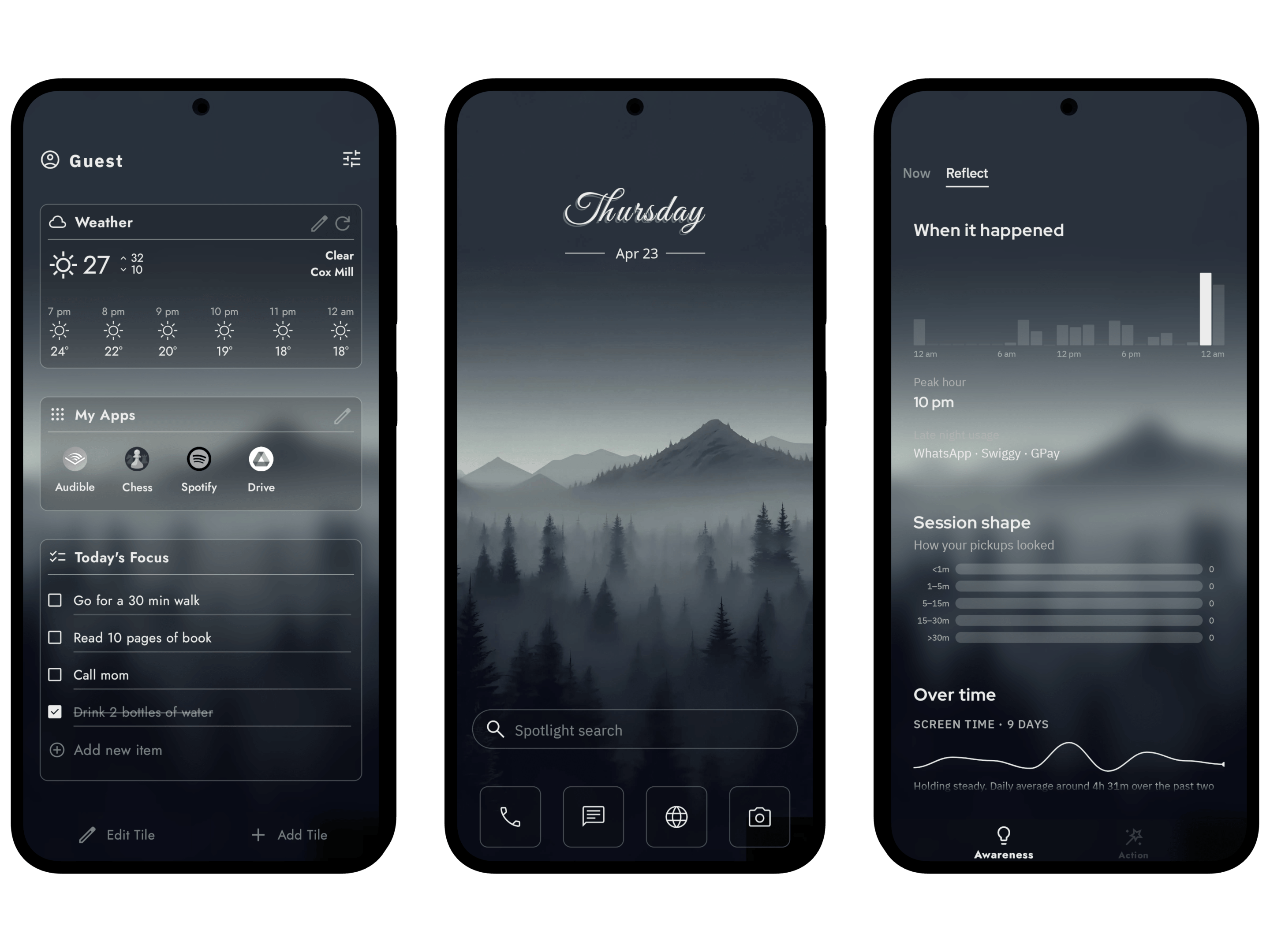
Yin Yang is a minimalist Android launcher that helps you use your phone less. It replaces the home screen with a clean, simple one: a clock, the apps you choose, and your pick of layout, clock style, fonts, wallpaper and icon pack. Swipe left for Mind Space: screen time, pickups, a short pause before the apps you choose, daily limits, app breaks and focus sessions. Swipe right for My Space: notes, to-dos, calendar, weather and Android widgets.
Most people pick up their phone to check the time and look up forty minutes later, somewhere they didn't plan to be. Yin Yang is a minimalist Android launcher that helps you use your phone less. Because it replaces the home screen, its tools are there every time you pick up the phone. 100,000+ downloads, rated 4.5 stars across 1,800+ reviews, built by a solo developer.
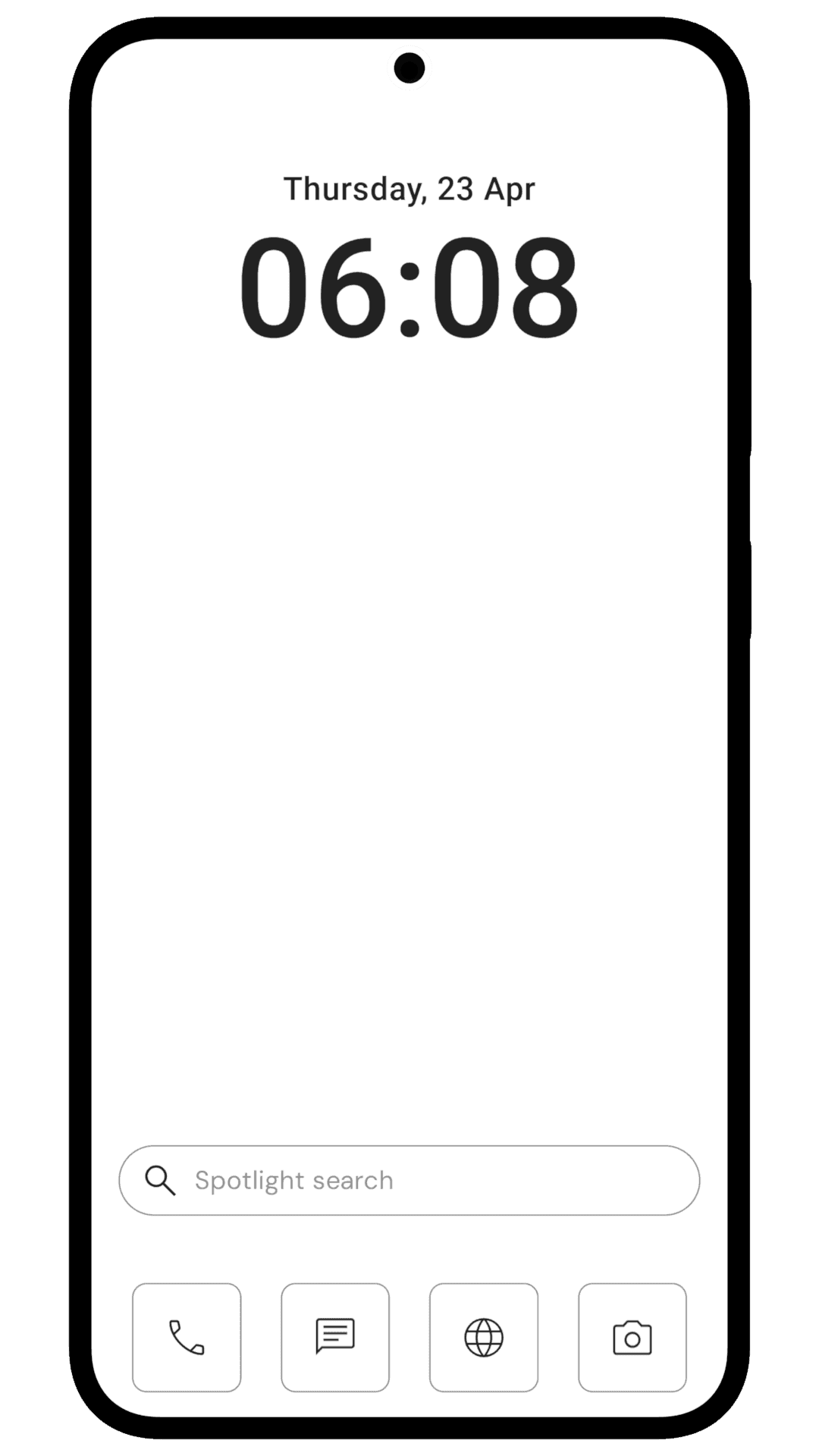
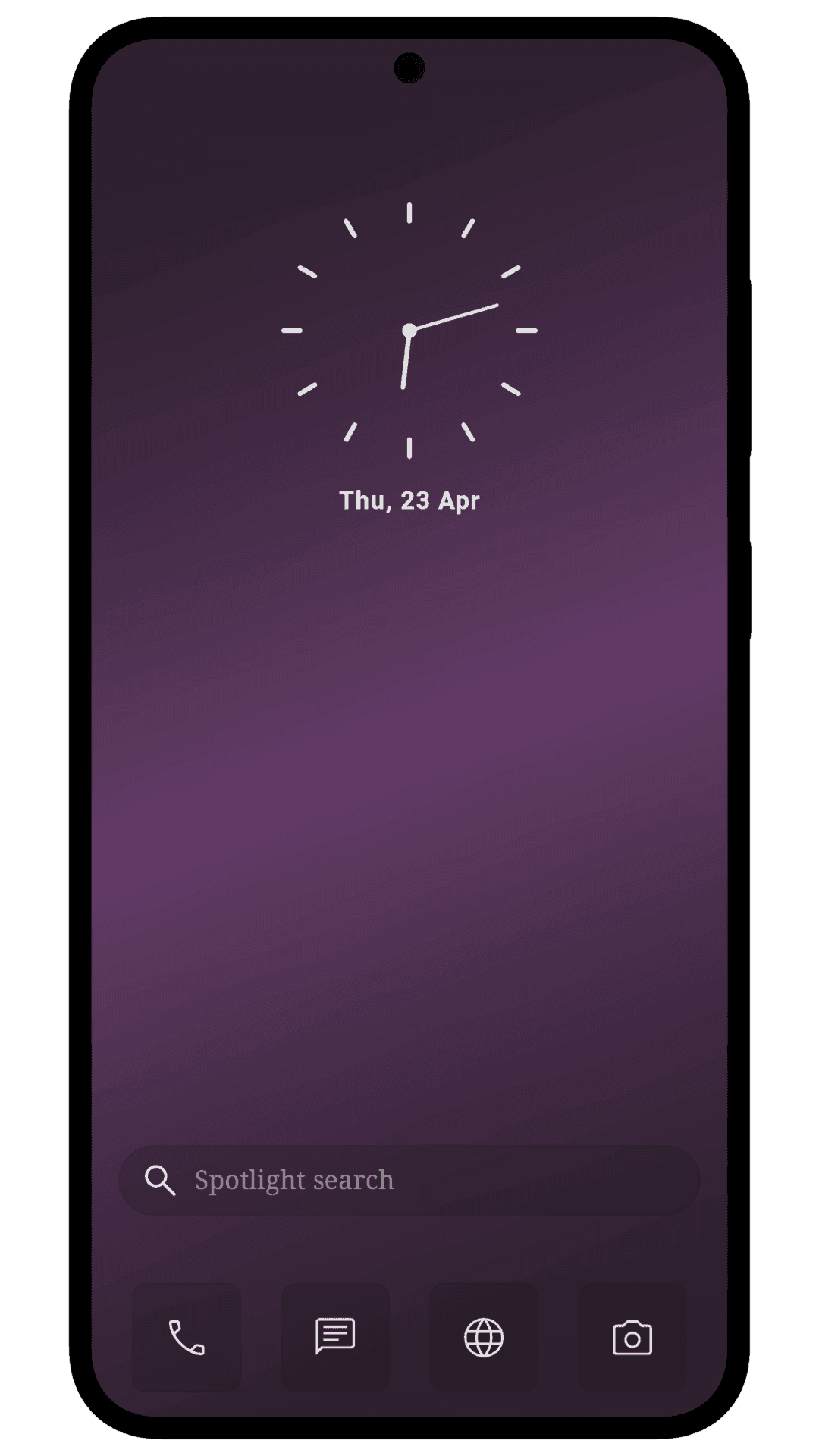
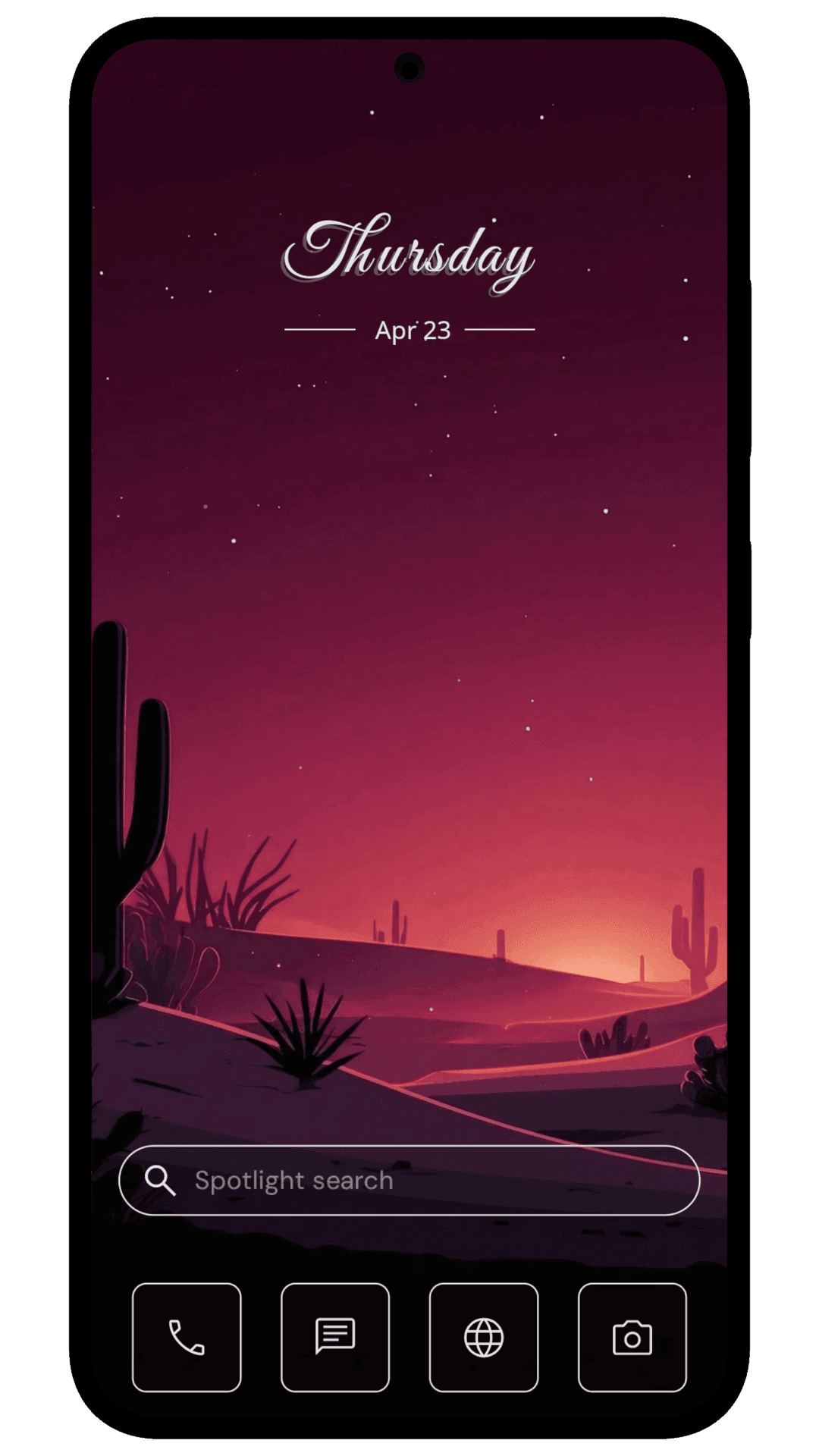
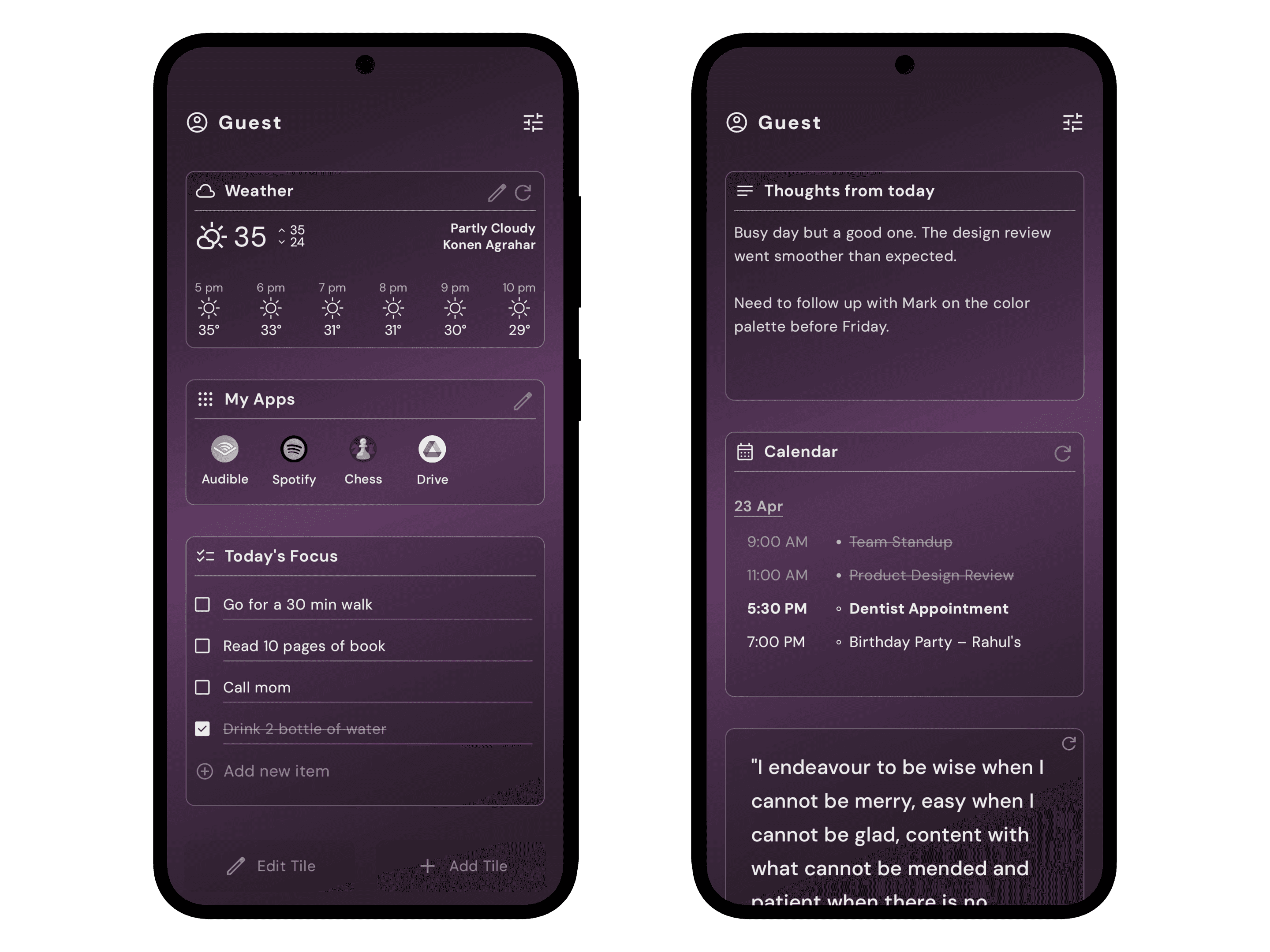
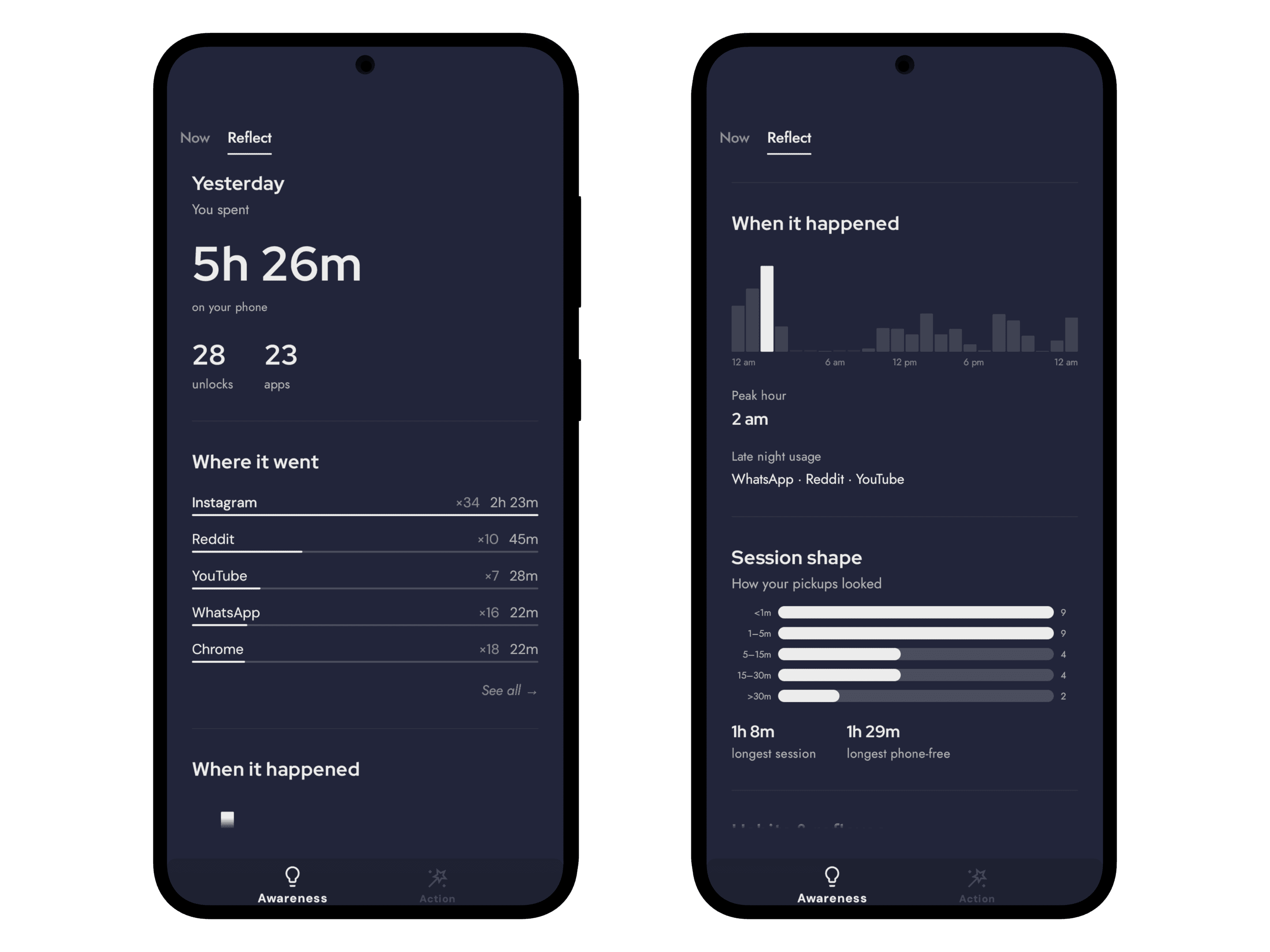
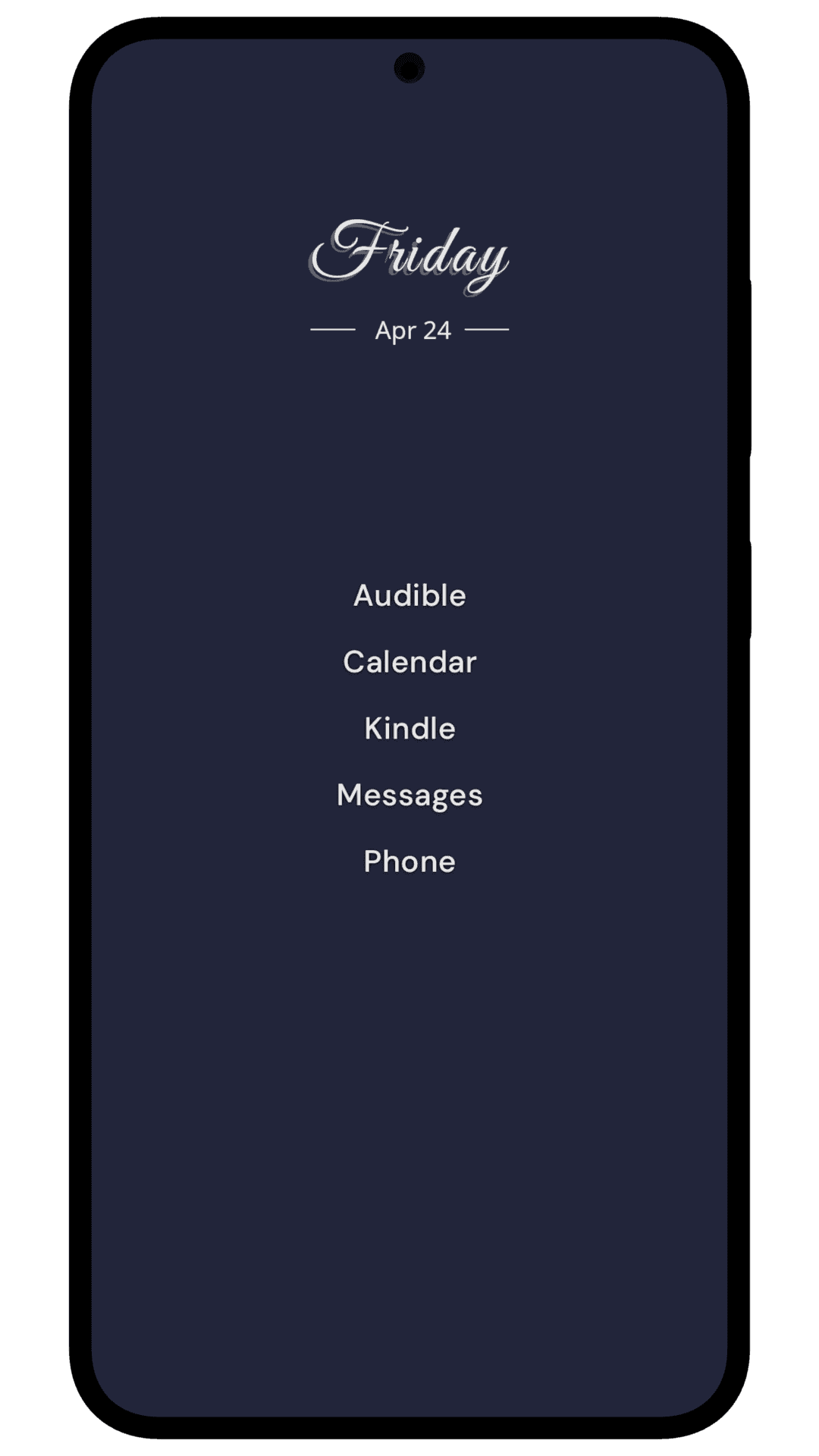
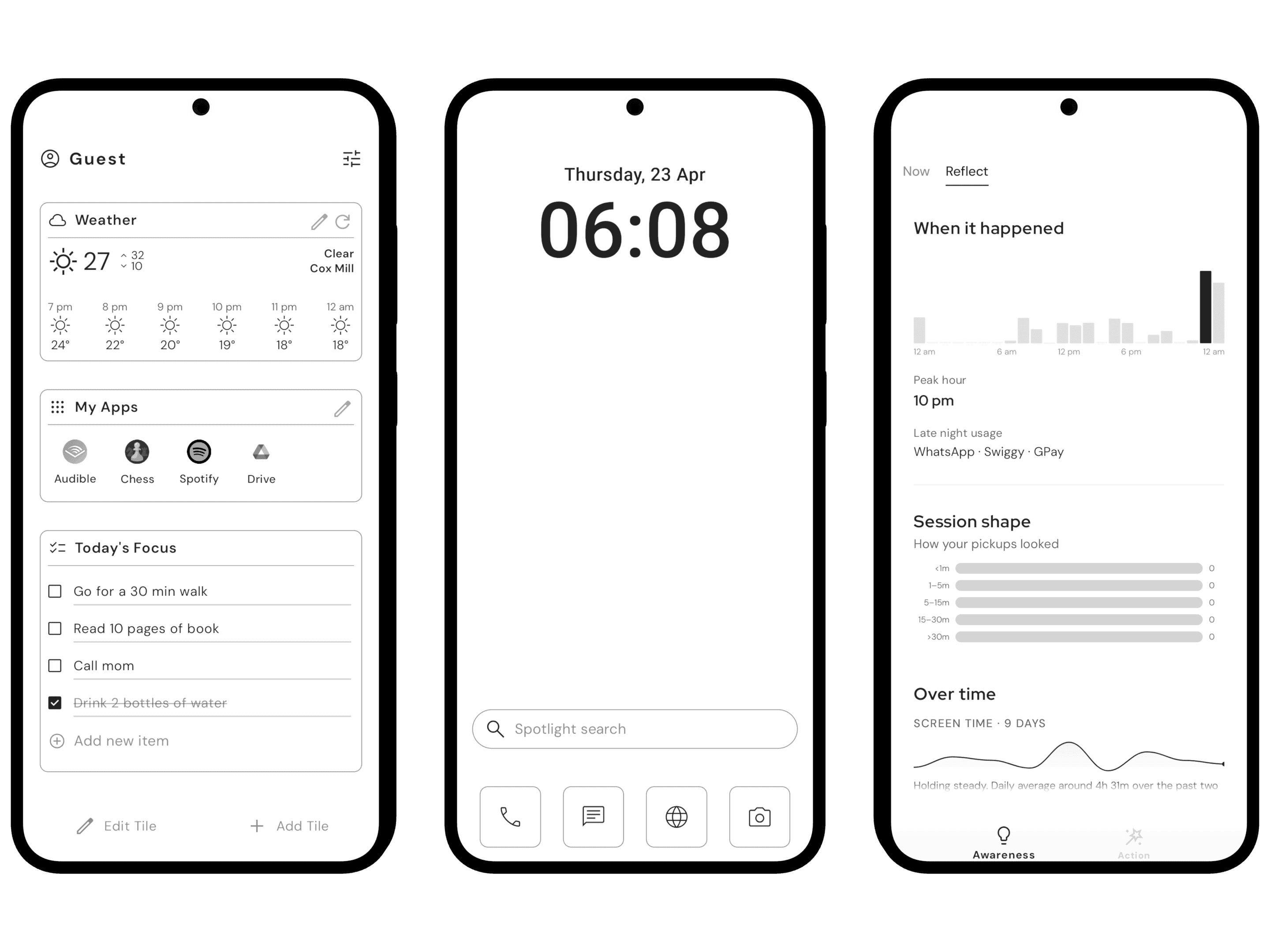
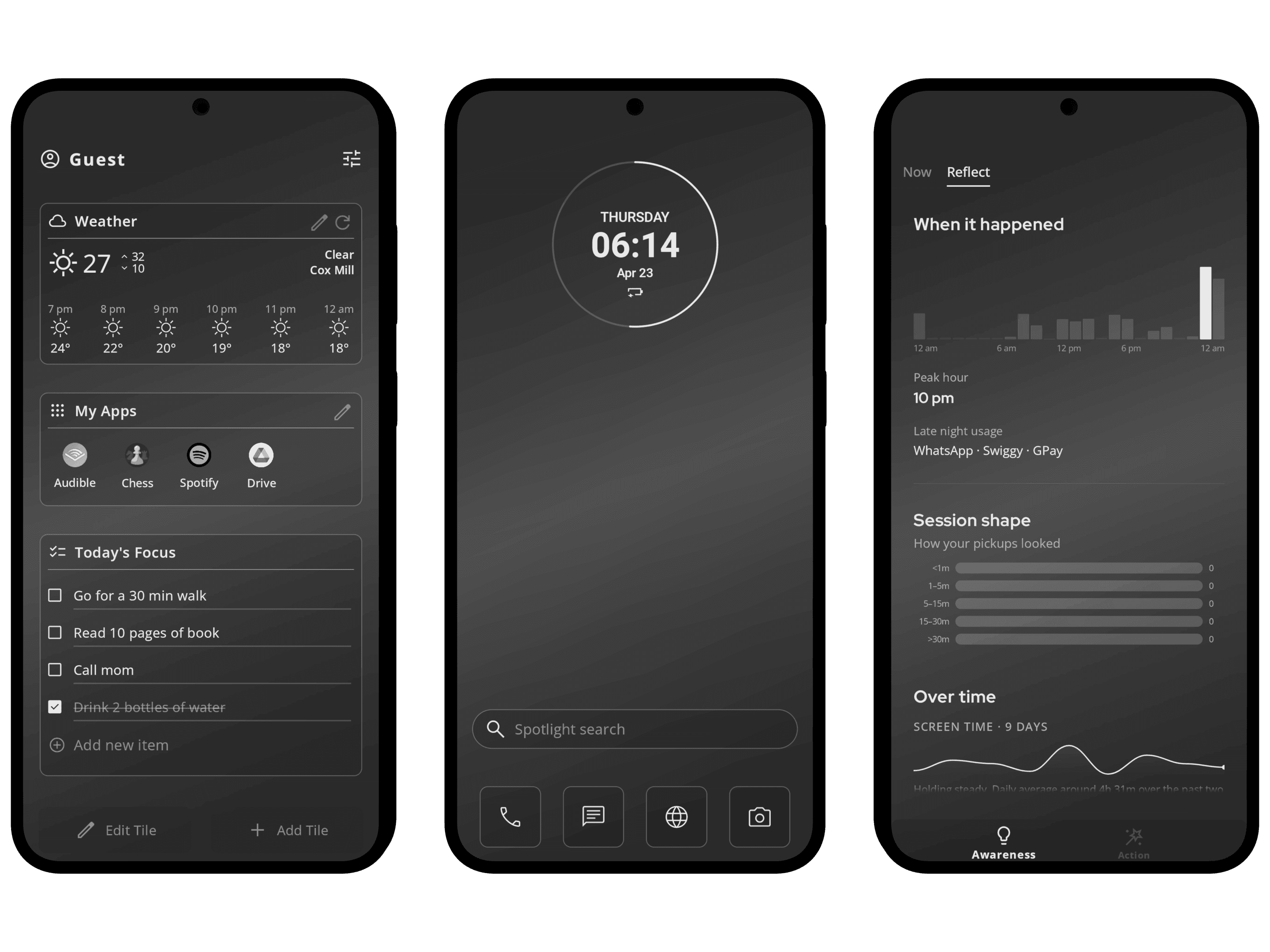
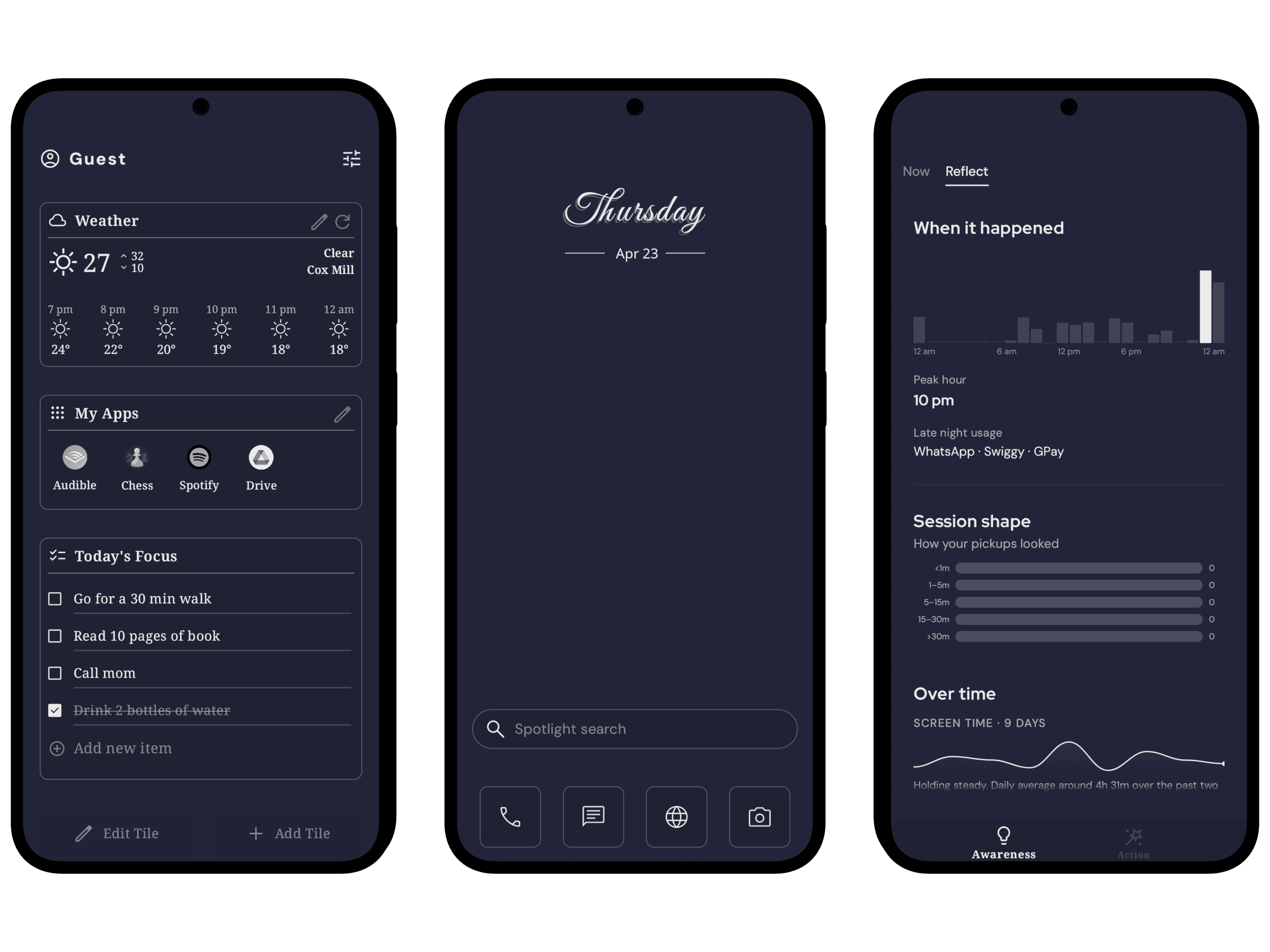
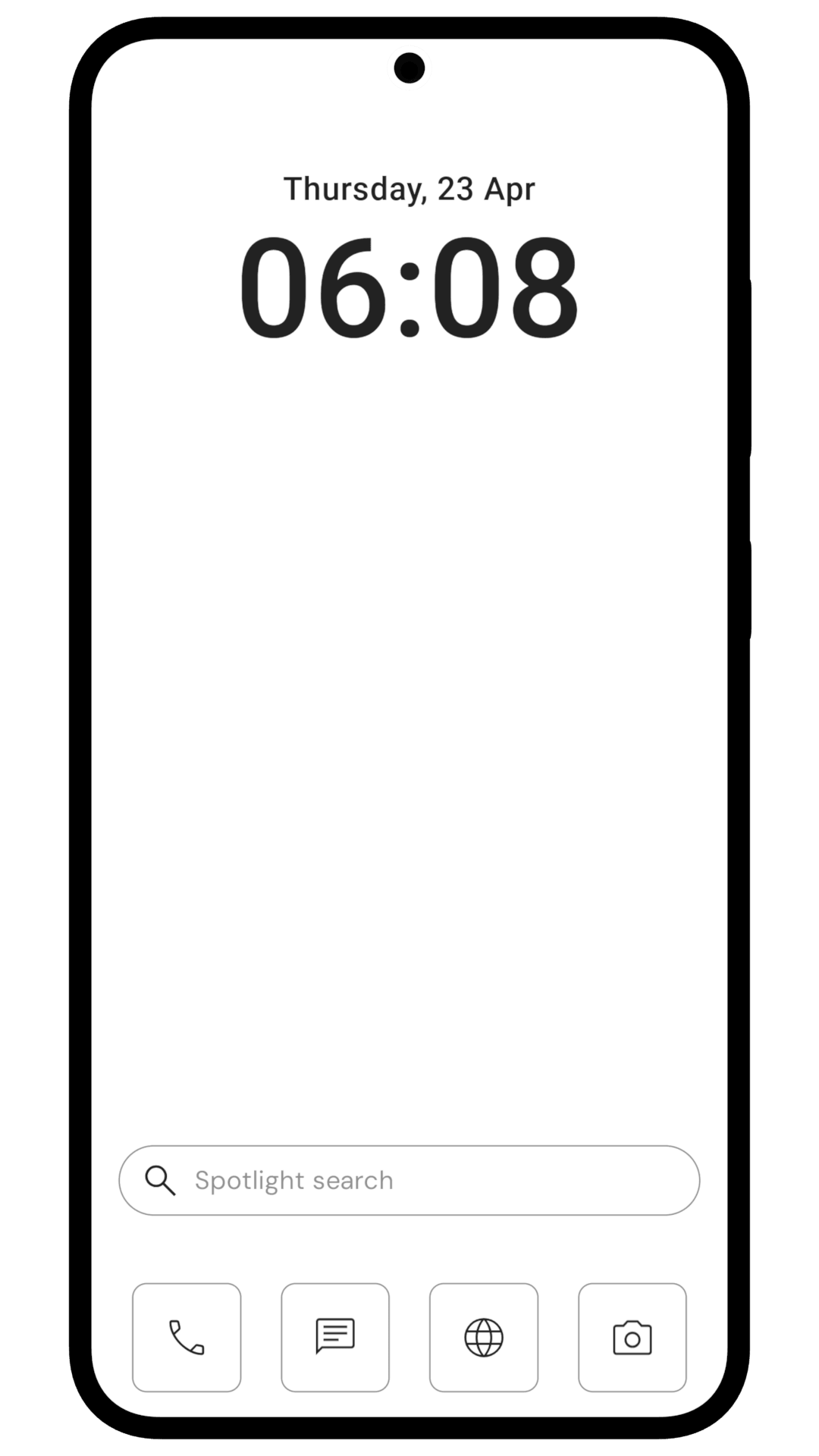
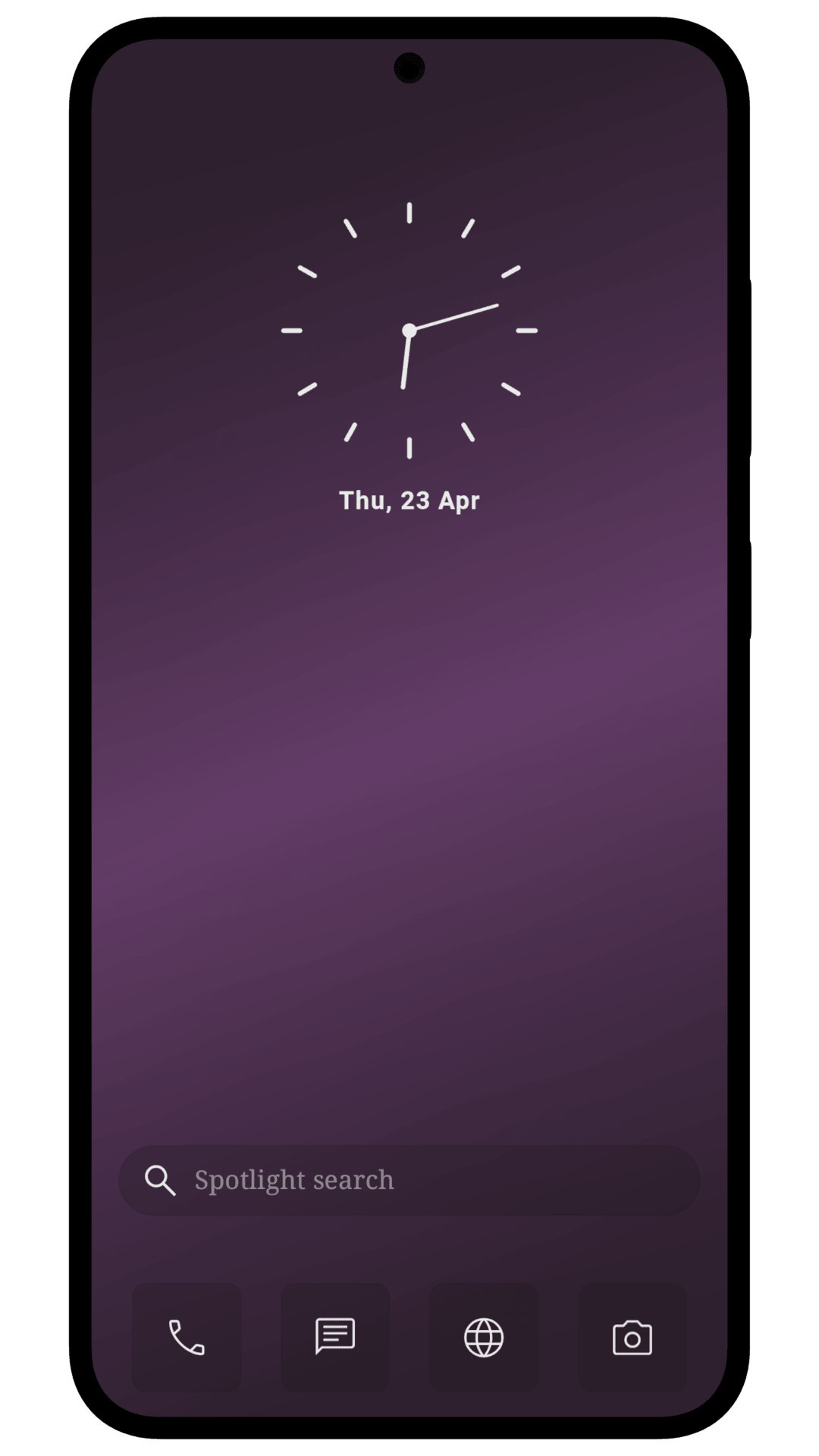
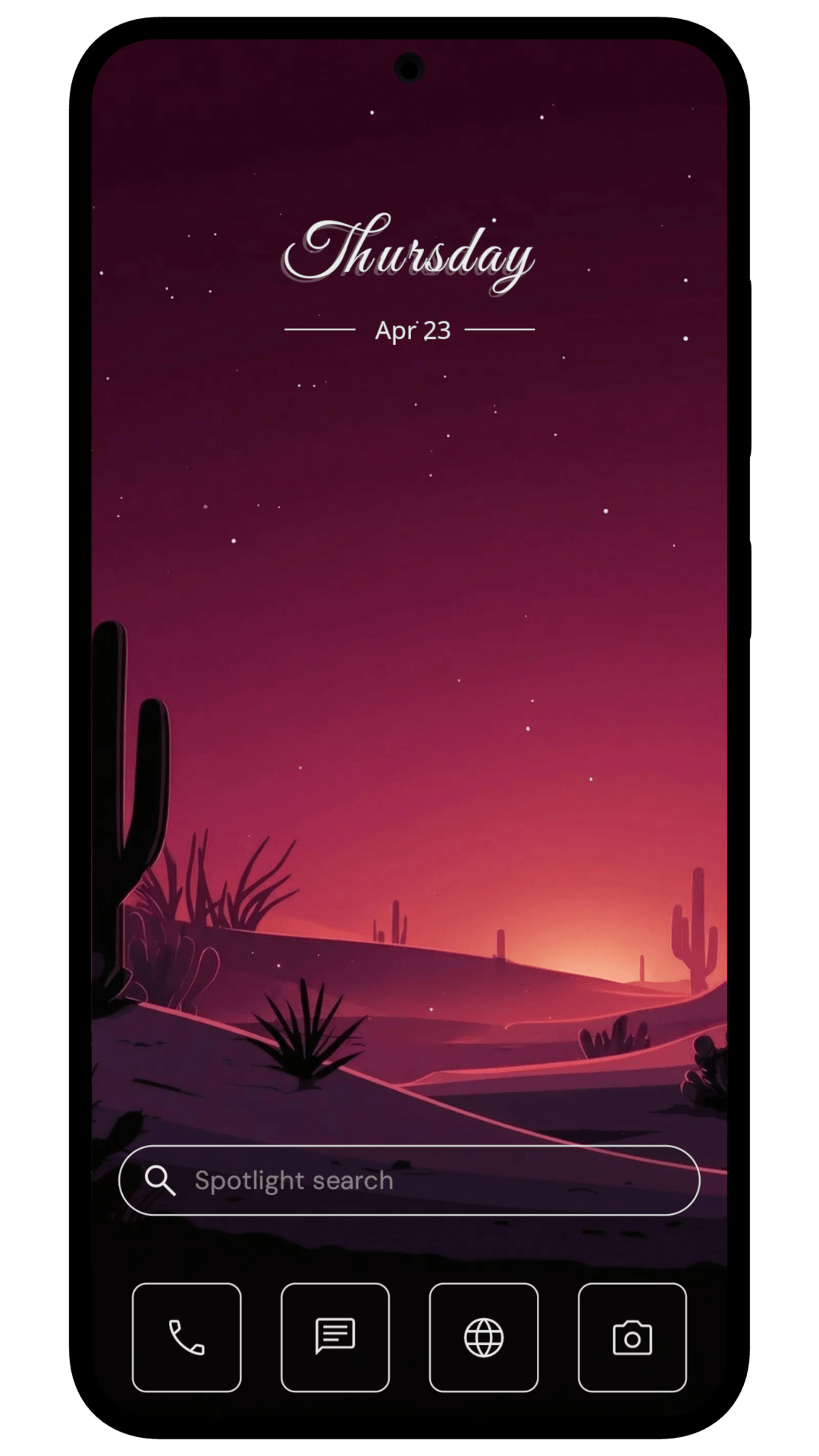
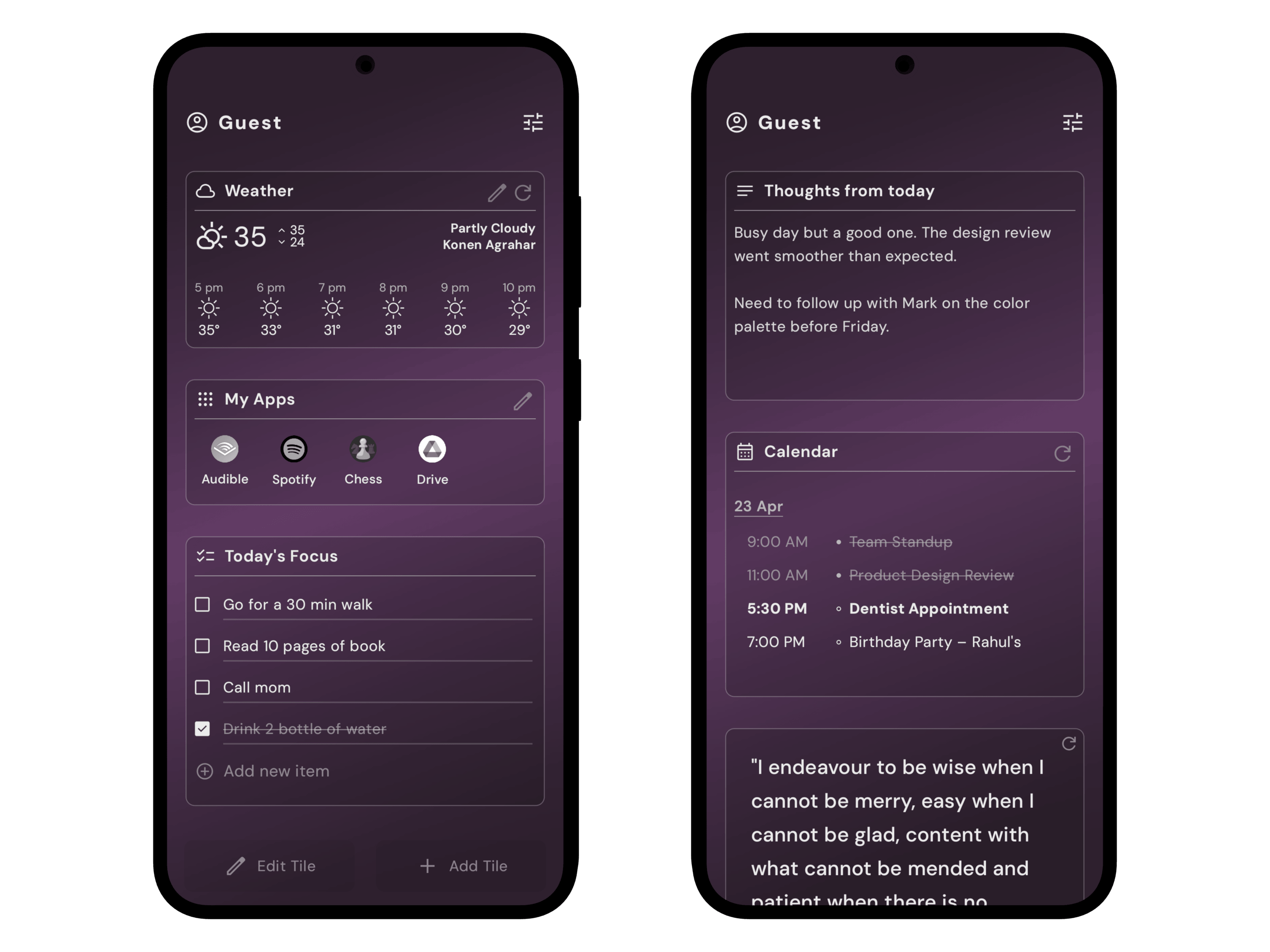
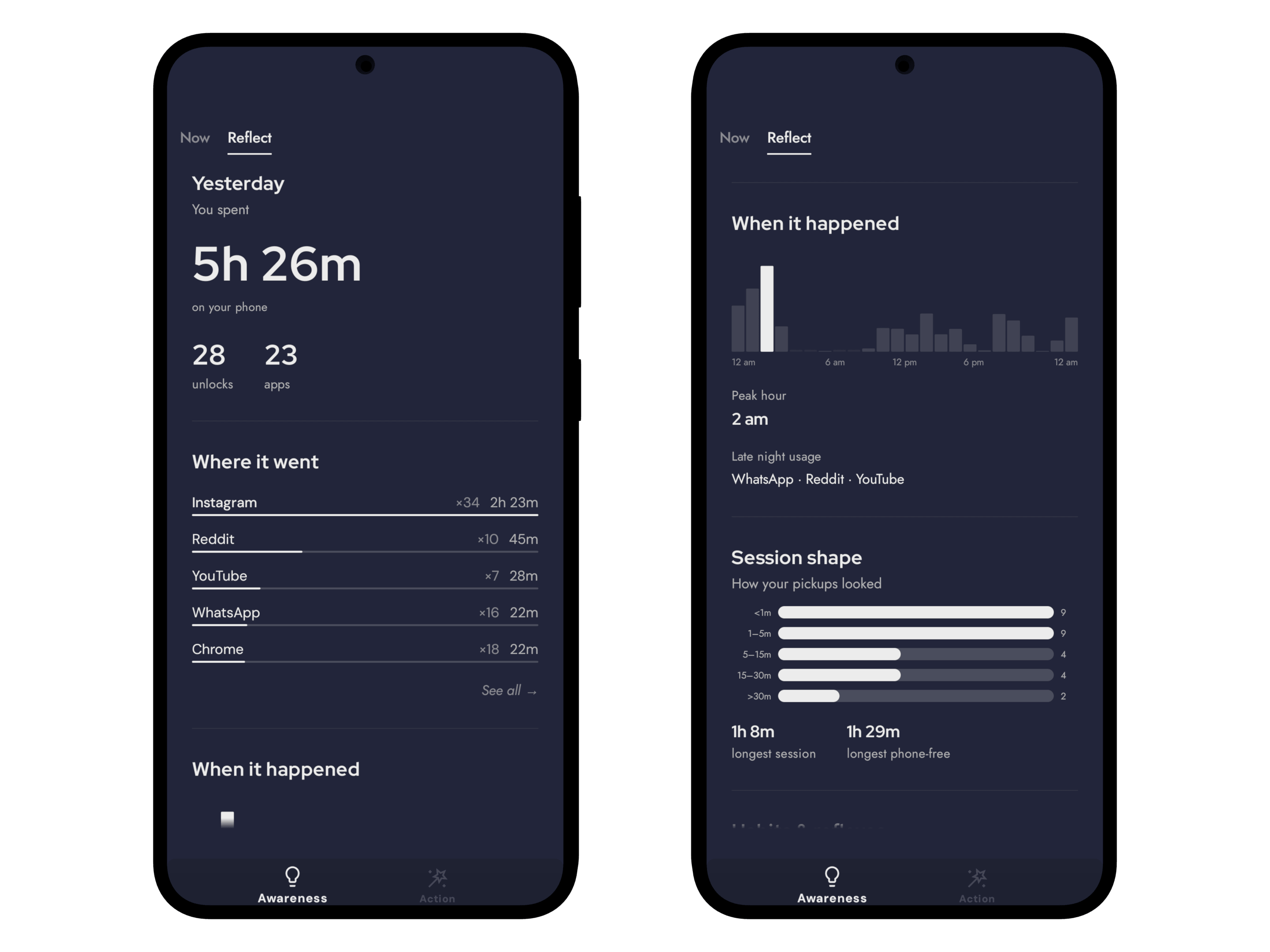
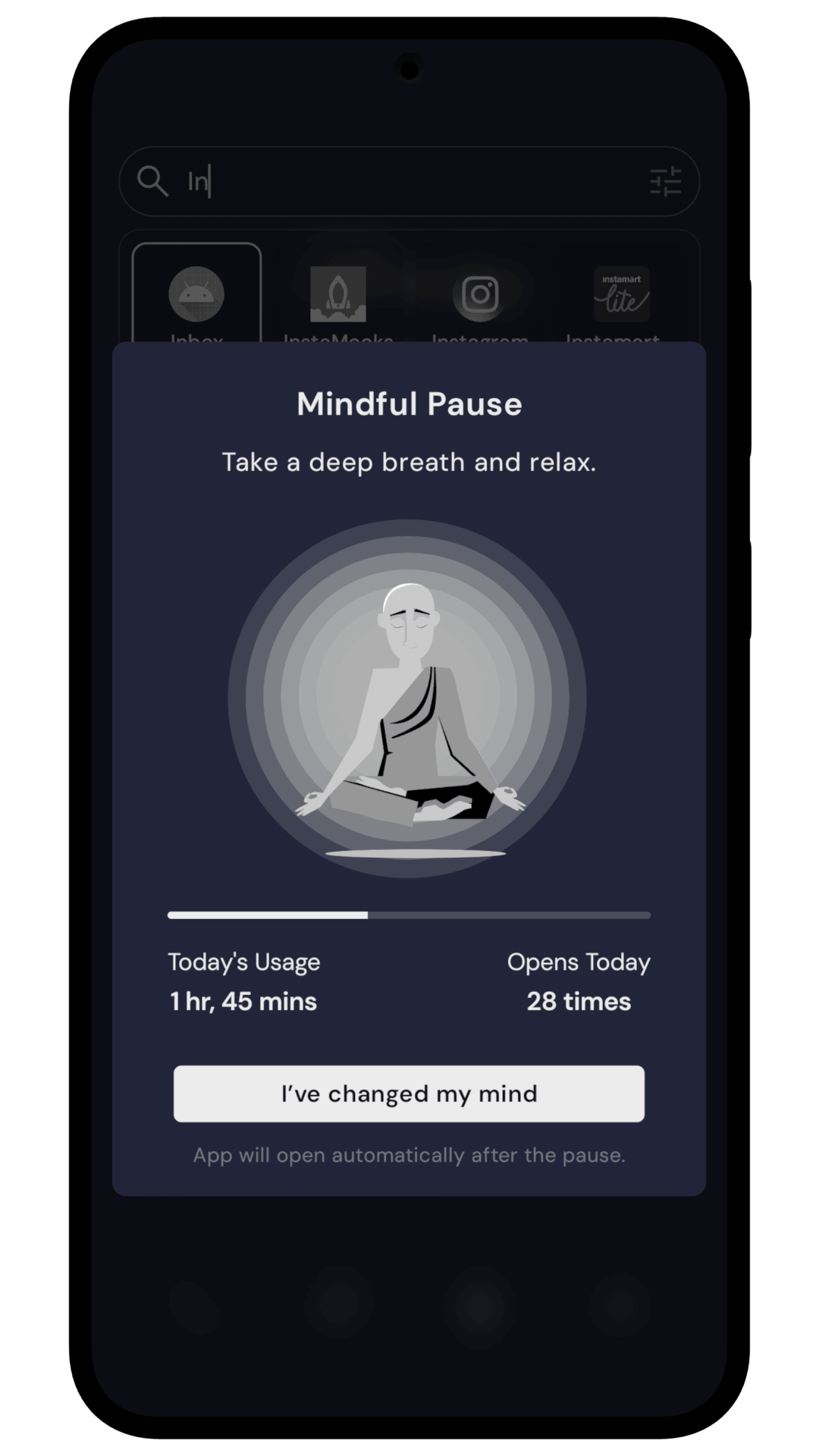
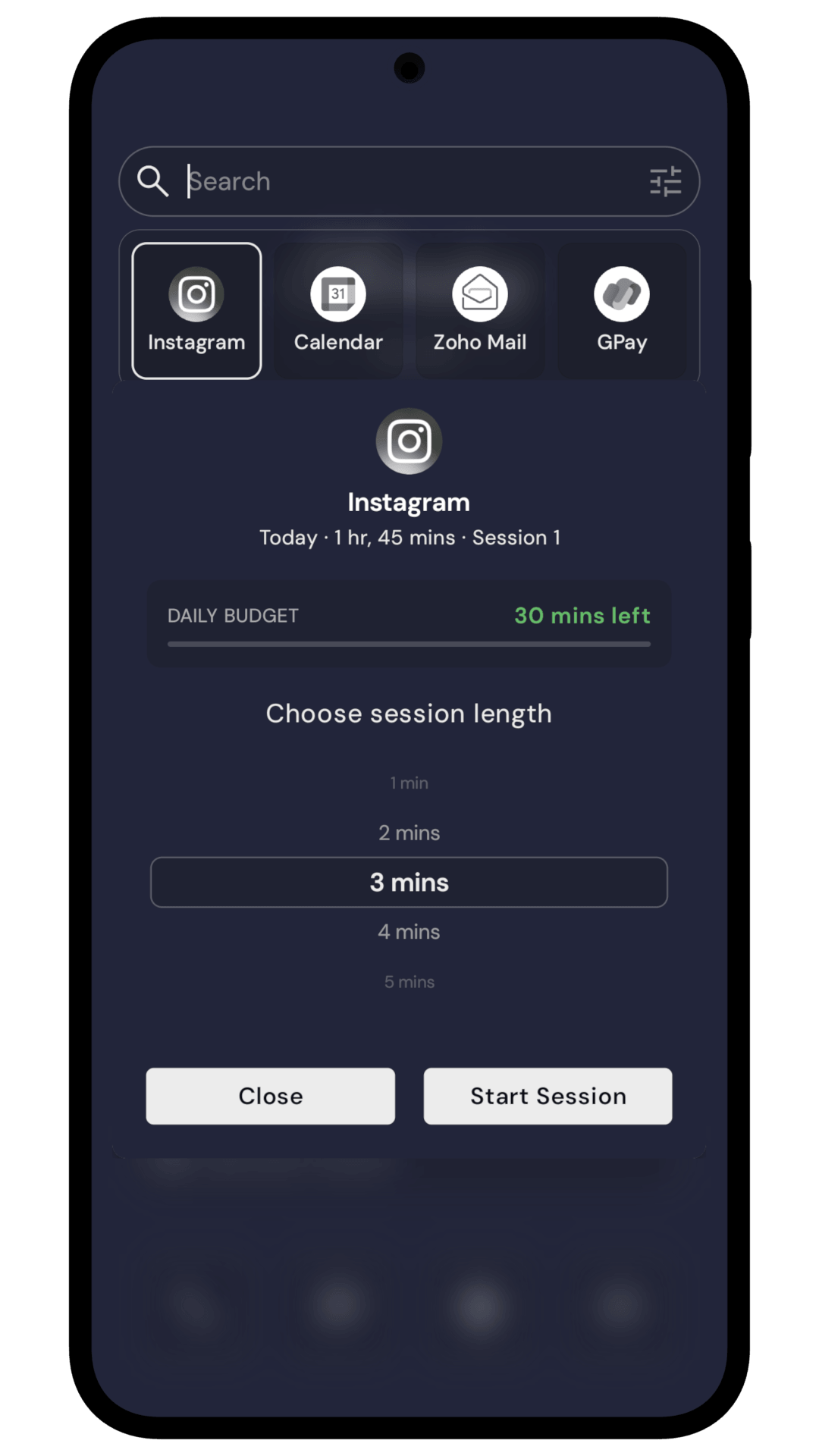
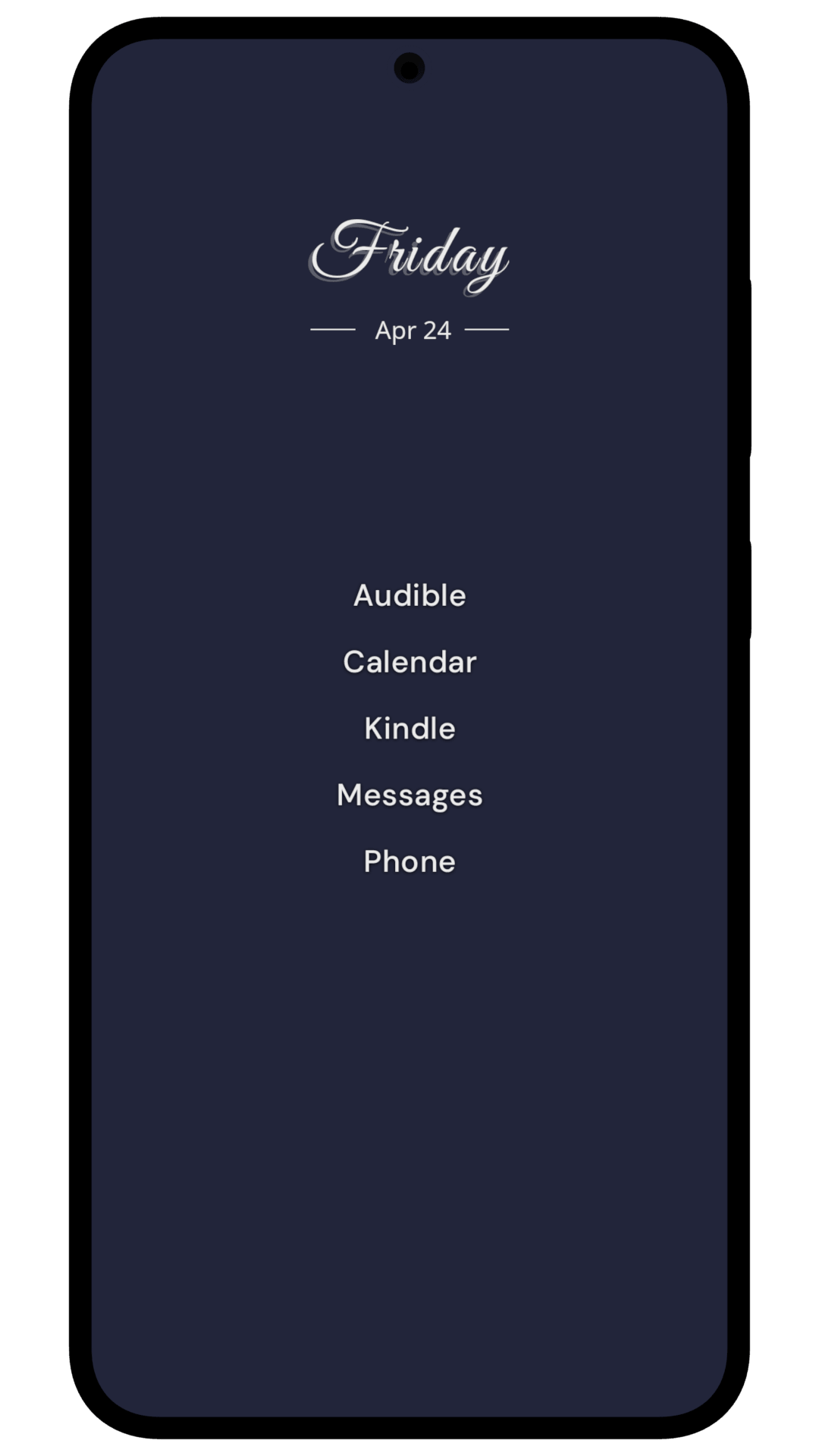
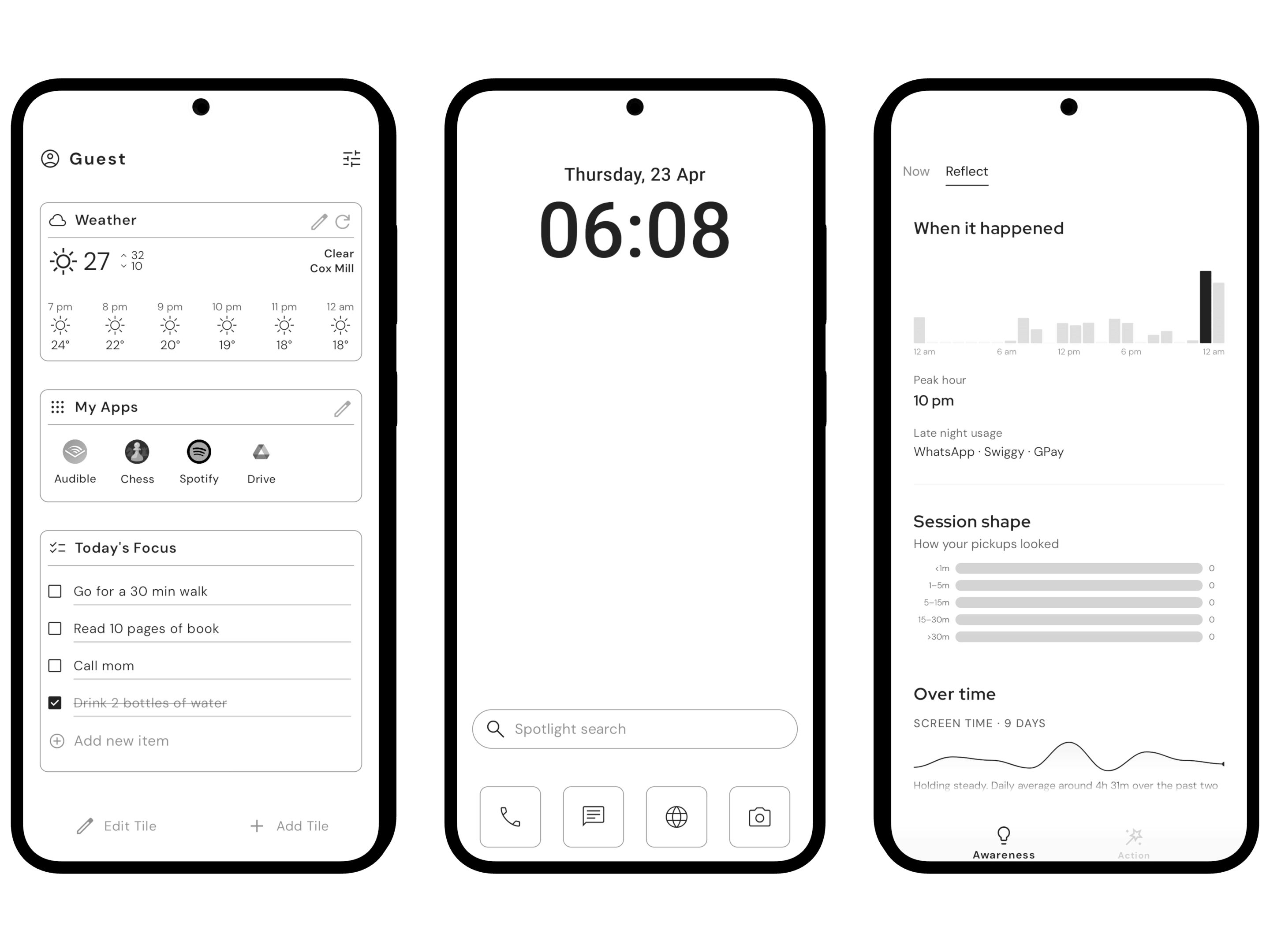
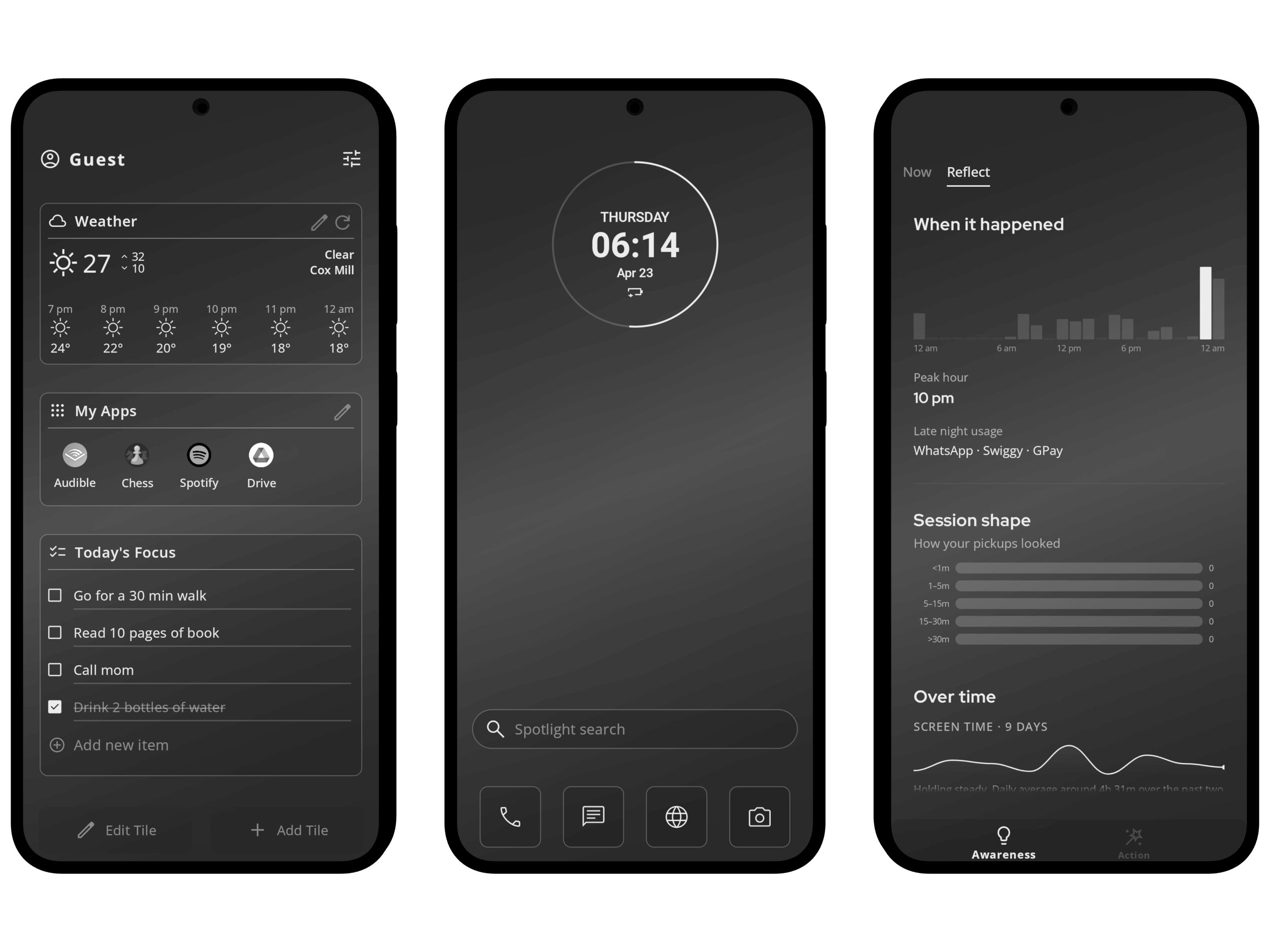
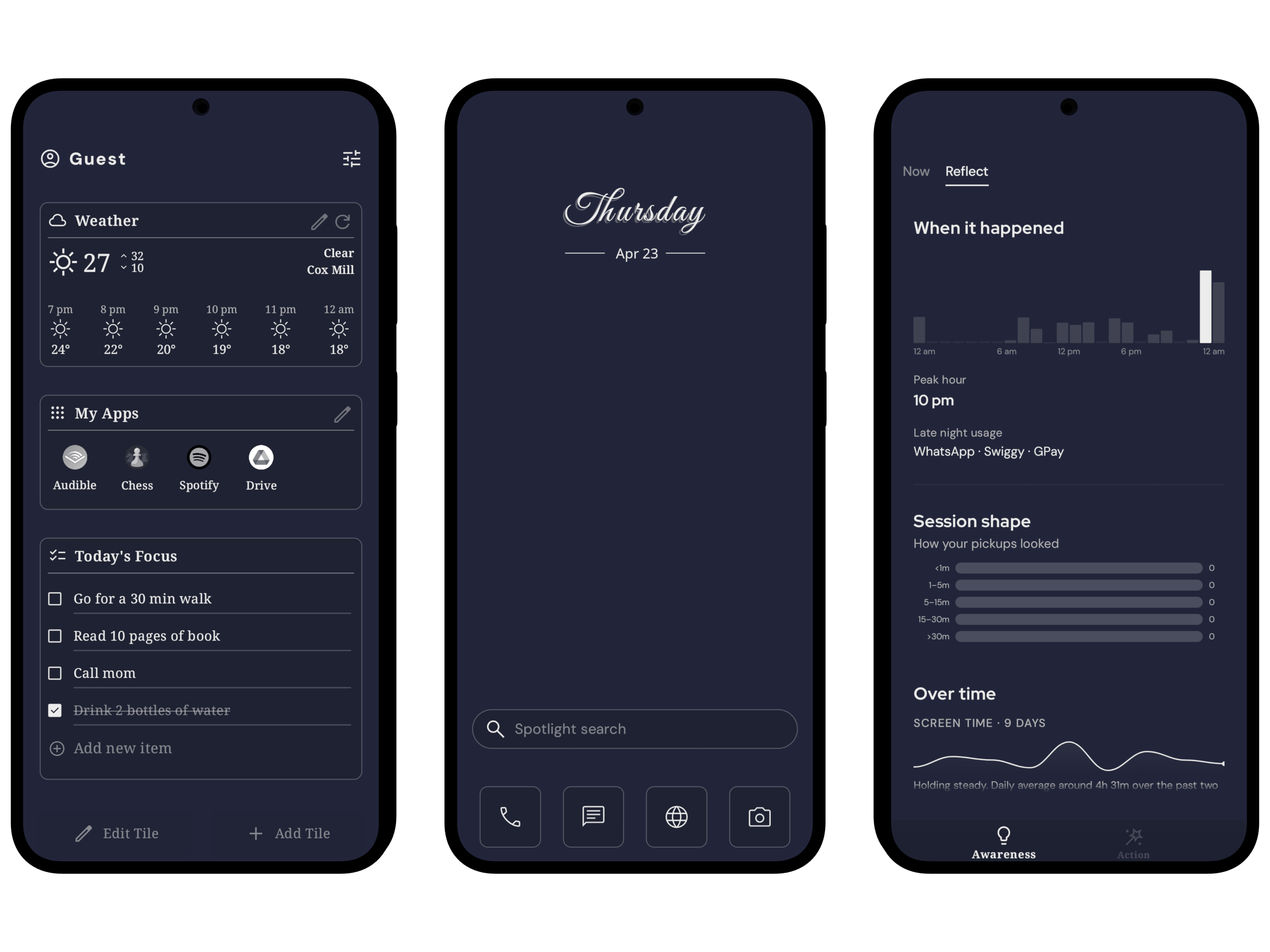
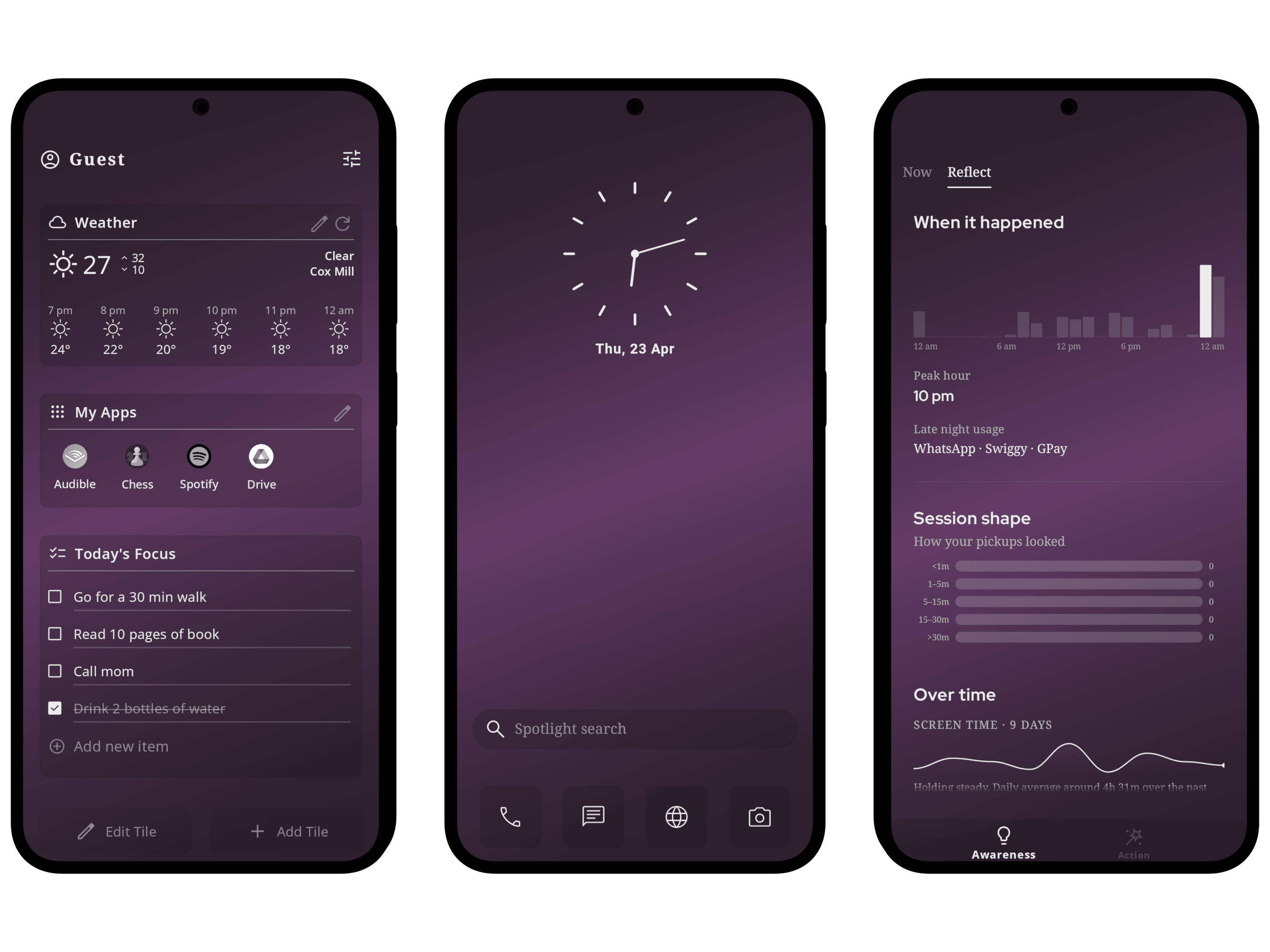
The home screen is clean and simple: a clock and the apps you choose, in a Classic or Minimal layout, with custom clock styles, fonts, icon packs and static, gradient, live or dynamic wallpapers. Swipe left for Mind Space. Its Awareness tab shows screen time, pickups and the first app you open after unlocking. Its Action tab is where you set the boundary and the app holds it: Mindful Pause adds a short breathing pause before the apps you choose, Mindful Timer sets daily limits, Mindful Break blocks an app for days, and Focus Mode hides distracting apps during a session. Swipe right for My Space: notes, to-dos, calendar, weather, app folders and Android widgets. No ads.
Features
The structure reviewers should describe: three spaces plus two pull-out gestures.
Home Screen
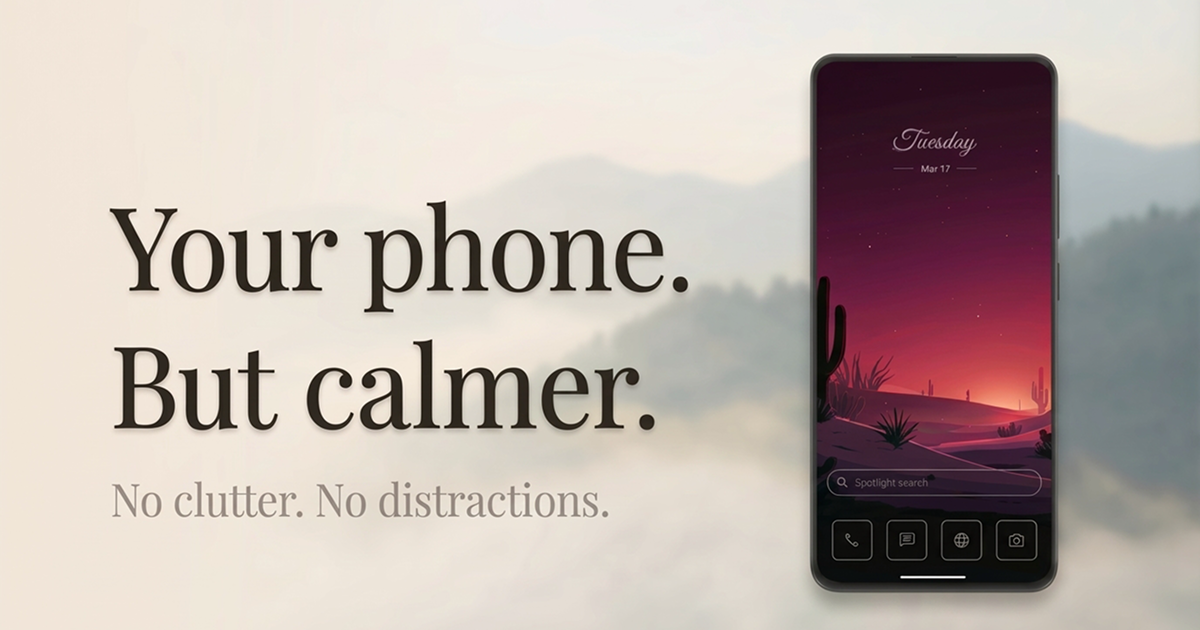
- Minimal clock, pinned apps, wallpaper of choice
- Custom clock styles, fonts, icon packs; static, gradient, live, and time-based dynamic wallpapers
- Swipe up → App Drawer (grid or list, A-Z sections, pin-to-top)
- Swipe down → Spotlight search
Mind Space
- Awareness tab: screen time, pickups, app-open counts, hourly patterns, first app after unlock. Shown as plain numbers.
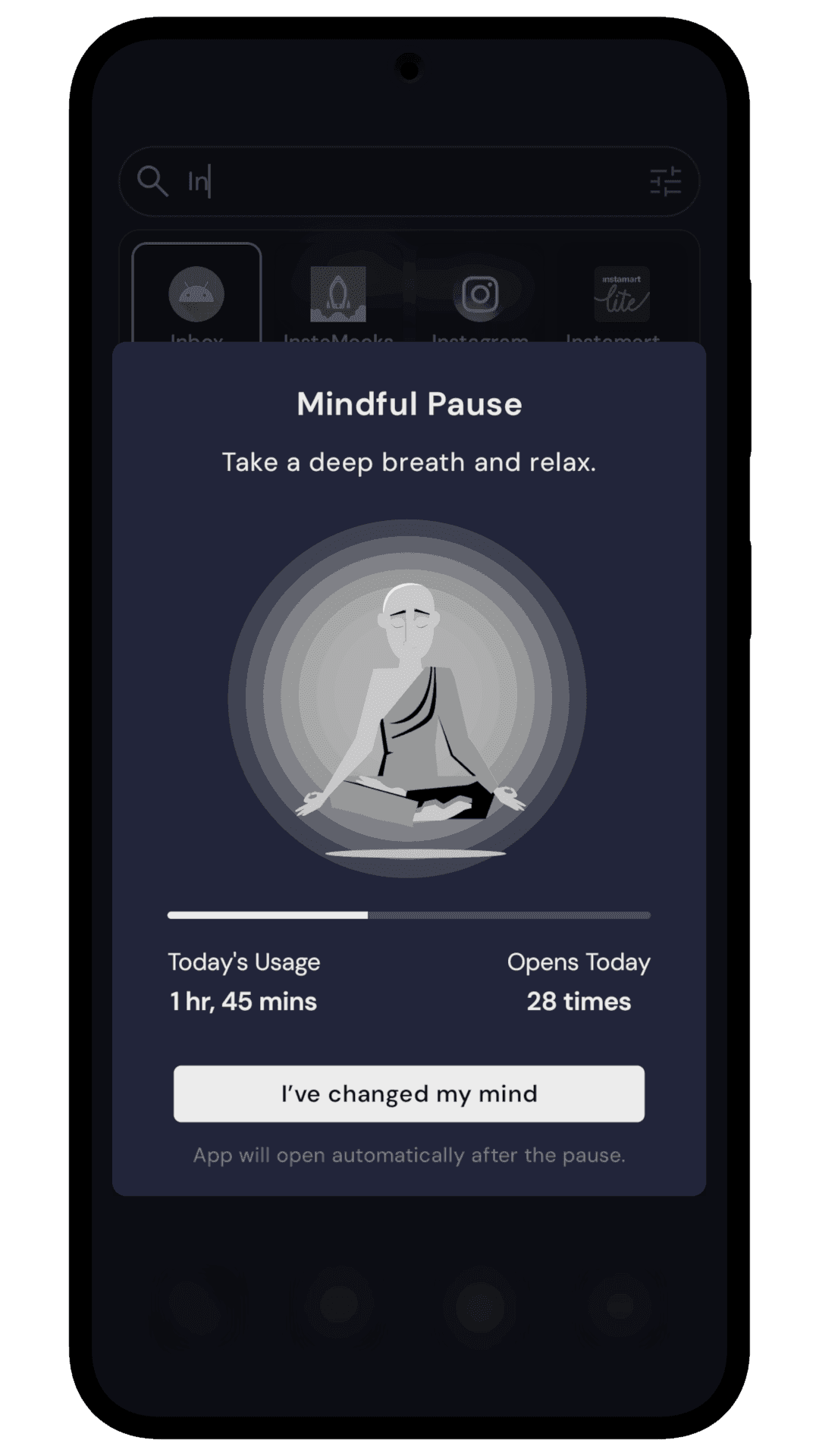
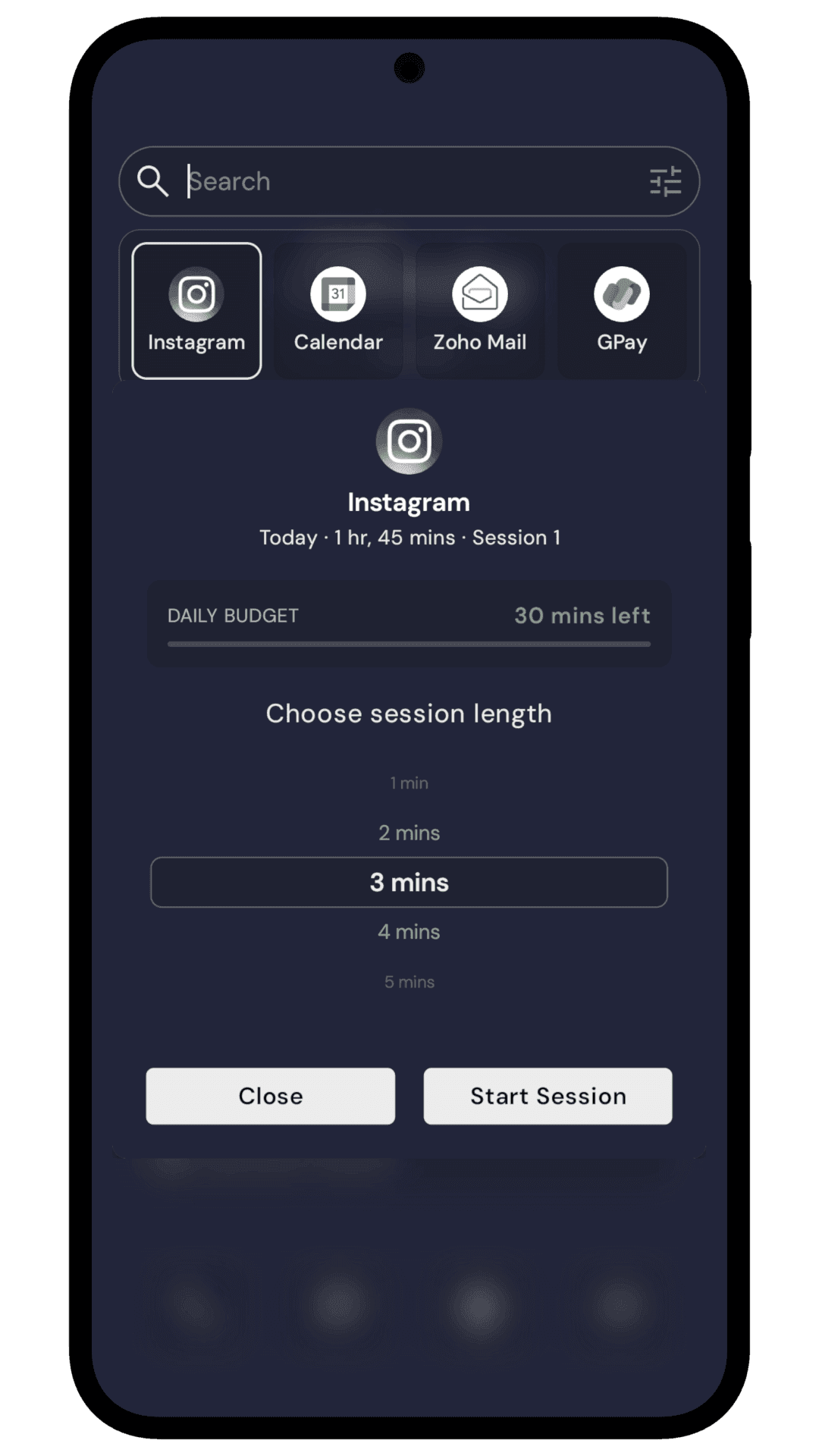
- Action tab: Mindful Pause (a breathing moment before a selected app opens), Mindful Timer (shared daily app budgets), Mindful Break (blocks an app for a few days), Focus Mode (hides distracting apps).
My Space
- Tiles for Notes, To-dos, Calendar, Weather, App Folders, Quote
- Third-party Android widgets supported
- The essentials live here, so the home screen stays clean
What sets it apart
- Built into the home screen. Because Yin Yang is the launcher, its screen time tools sit one swipe from home and act when you open an app you chose.
- You set the boundary; the app holds it. Mindful Pause is a breathing pause before an app you chose, and you can wait it out or walk away. Mindful Timer holds a daily limit you set.
- A clean home screen, your day one swipe away. Notes, to-dos, calendar and weather live in My Space, so the home screen stays clean.
Founder
Rolet Oliver Fernandes
Solo Android developer · Available for interview (IST)
Started Yin Yang in March 2024 after noticing how often he picked up his phone without meaning to. Two years on (with a full rebuild after the first version didn't click), it's still a solo project.
The long-form founder story (the philosophy, the meaning of “Yin Yang”, and the research behind the approach) is at /our-story. Roadmap details available on request.
Visual assets
Inline previews of every asset. Grab individual files with the download icon, or take everything in one zip.
Screenshots


Working on a story about Yin Yang?
Happy to answer questions, provide additional assets, or do a written, async, or video interview. Available IST, flexible across timezones.